

Introduction
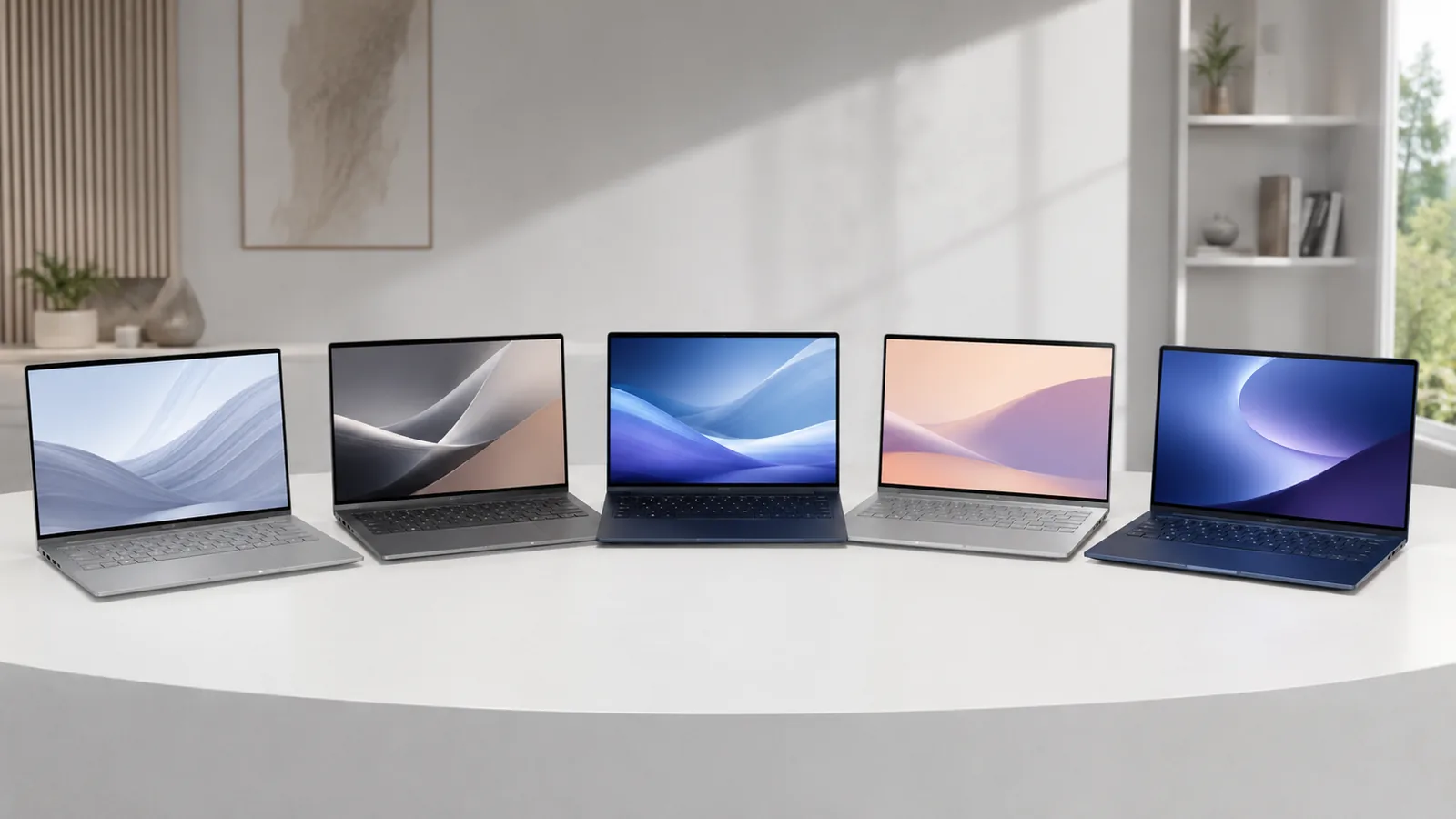
The ultrabook began as Intel’s vision for premium thin‑and‑light laptops, but by 2026 it has become shorthand for any sleek, portable notebook that offers long battery life, premium materials and solid performancertings.com. This year’s models benefit from powerful new chips — AMD’s “Gorgon Point” Ryzen AI 400, Intel’s “Panther Lake” Core Ultra Series 3 and Qualcomm’s Snapdragon X2 platforms. These processors enable AI‑accelerated tasks, advanced graphics and all‑day battery life, while manufacturers such as Dell, Apple, Lenovo and HP continue to refine their designs with sustainable materials and smarter coolingultrabookreview.com.
Below we explore the best ultrabooks of 2026 across categories — 13‑inch, 14‑inch, 15‑inch, 16‑inch and convertible — and explain how to choose the right one for your work, travel or study needs.
How we chose these ultrabooks
- Performance and processors – New AI‑capable chipsets such as Apple’s M4 and M5, Intel’s Panther Lake Ultra, AMD’s Ryzen AI 400 and Qualcomm’s Snapdragon X Plus deliver laptop‑class horsepower with integrated neural engines. We considered CPU/GPU benchmarks and real‑world responsiveness.
- Battery life – Rtings’ extensive battery tests helped us identify machines that last all dayrtings.com. For example, the LG Gram 16 lasted ≈15 hours of light use or 12 hours of video playback, while HP OmniBook 5 14 achieved a remarkable 25 hours in PCWorld’s video playback testpcworld.com.
- Display quality – We looked for high‑resolution panels, OLED or micro‑LED technology and high refresh rates. Notable examples include the Lenovo Yoga 9i’s 2.8 K OLED panel that can reach up to 1 000 nits and Apple’s micro‑LED Liquid Retina XDR display on the MacBook Pro M5.
- Portability and build – Weight, thickness and durability matter to travelers and students. The LG Gram 16 weighs only 2.6 lbs (1.2 kg), the MacBook Air remains under 3.3 lbs, and the ThinkPad X9 15 uses a lightweight aluminum chassis with an 80 Wh battery.
- User experience – Comfortable keyboards, haptic touchpads, webcams and port selection are important. The ThinkPad X9 15 features a large glass haptic touchpad and dynamic 30–120 Hz refresh rate to improve battery life, while the MacBook Air (M4) offers a spacious keyboard and large haptic trackpad.
- Value and longevity – Price, repairability and upgradability were evaluated. The Framework Laptop 13 allows users to swap RAM, storage and even motherboards, while the HP OmniBook offers extraordinary battery life for under $900.
#ad-wrapper { max-width: 100%; margin: 20px auto; box-shadow: 0 2px 6px rgba(0,0,0,0.1); border-radius: 4px; overflow: hidden; font-family: Arial, sans-serif; } #ad-wrapper .ad-grid { display: flex; flex-wrap: wrap; gap: 5px; justify-content: space-between; padding: 10px; background: #fff; border: 1px solid #ddd; border-bottom: none; } #ad-wrapper .ad-grid a { flex: 1 0 18%; max-width: 18%; text-align: center; text-decoration: none; color: #111; } #ad-wrapper .ad-grid img { width: 100%; height: auto; display: block; border-radius: 4px; transition: transform 0.2s ease; } #ad-wrapper .ad-grid a:hover img { transform: scale(1.05); } #ad-wrapper .ad-label { display: -webkit-box; -webkit-line-clamp: 2; -webkit-box-orient: vertical; overflow: hidden; margin-top: 4px; padding: 0 2px; font-size: 11px; line-height: 1.2; color: #333; text-transform: none; } #ad-wrapper .ad-footer { display: flex; align-items: center; padding: 8px 12px; background: #f9f9f9; border-top: 1px solid #ddd; } #ad-wrapper .ad-footer img { height: 14px; margin-right: 8px; display: block; } #ad-wrapper .ad-footer span { font-size: 13px; color: #555; line-height: 1; } @media (max-width: 900px) { #ad-wrapper .ad-grid a { flex: 1 0 30%; max-width: 30%; } } @media (max-width: 600px) { #ad-wrapper .ad-grid a { flex: 1 0 40%; max-width: 40%; } } @media (max-width: 400px) { #ad-wrapper .ad-grid a { flex: 1 0 40%; max-width: 40%; } }
 ThinkPad X1 Carbon Gen 11
  ASUS Vivobook Go 15
  GEEKOM GeekBook X16 Pro
  ThinkPad X1 Carbon Gen 13
  LG gram 15 Touch
  Ryzen 7 16″ Ultrabook
  Acer Swift Go 14
 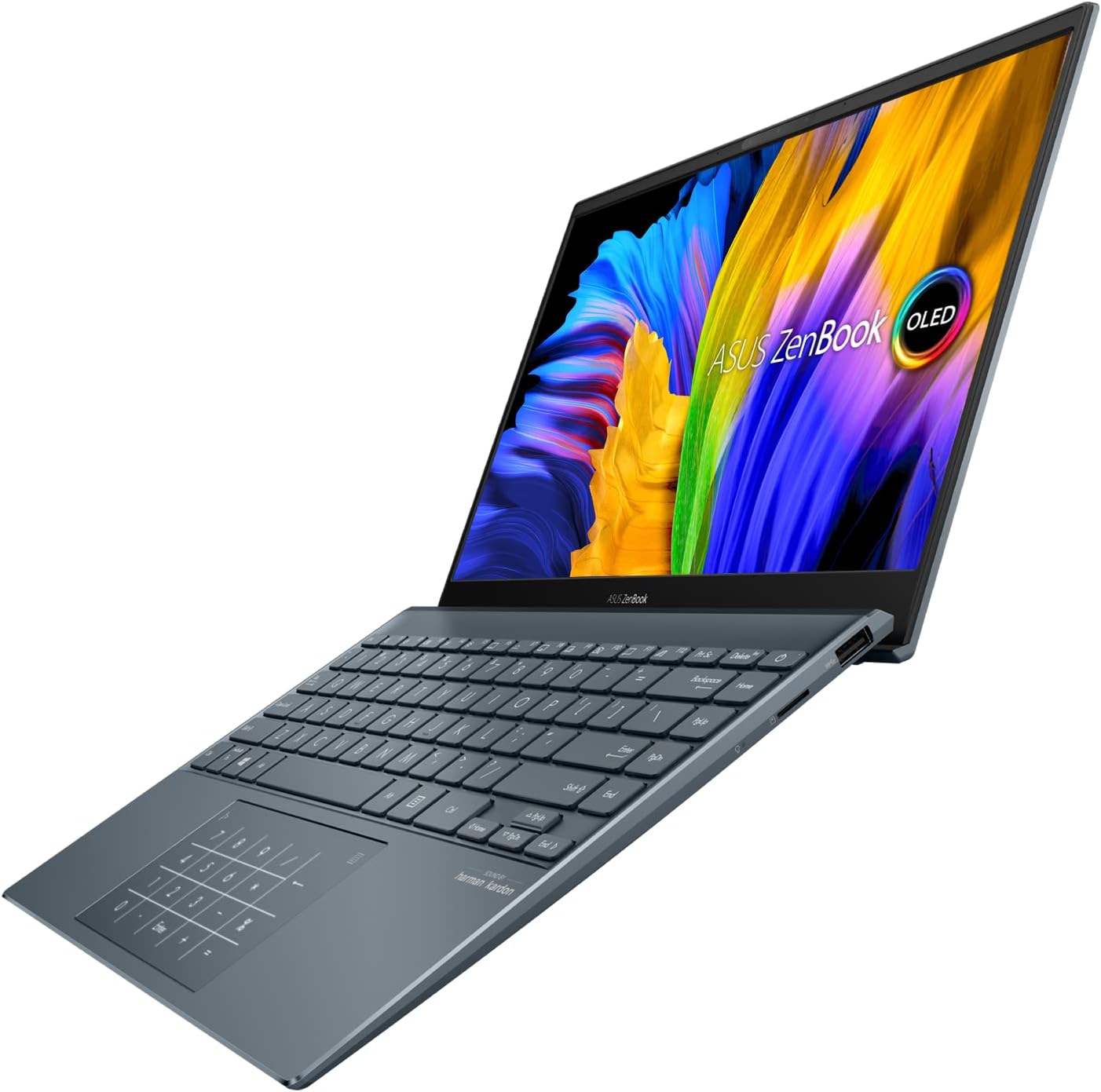 ASUS ZenBook 13 OLED
  Ryzen 7 15.6″ Laptop
  ASUS ZenBook S 13 4K
  Sponsored Ad – Amazon.com
Top 13‑inch Ultrabook: Apple MacBook Air (M4, 2025)
Apple’s MacBook Air (M4) remains the gold standard in 13‑inch ultrabooks. Rtings calls it “sleek, compact and exceptionally sturdy”rtings.com. The M4 system‑on‑chip delivers performance for everyday productivity and even light photo or video editing. Because the MacBook Air is fanless, it stays silent under load.
Key features
- Display: 13.6‑inch Liquid Retina IPS panel with sharp resolution and high brightness. It supports wide color gamuts and True Tone, though not as vibrant as OLED.
- Performance: 10‑core CPU/GPU with 16‑core Neural Engine; handles multitasking and light creative work smoothly.
- Battery life: It achieves about 15 hours of light use. Tom’s Hardware found that the 15‑inch model lasts over 15 hours and we observed similar endurance on the 13‑inchtomshardware.com.
- Portability: Weighs around 2.7 lbs and is less than half an inch thick. It’s “crazy light at just over three pounds and thin at under half an inch”.
- New features: With the M4 generation, Apple finally supports two external 6 K displays and upgraded the webcam to 12 MP Center Stage.
Real‑world example
For a college student in California who spends long days on campus, the MacBook Air’s 15-hour battery life allows uninterrupted note-taking, coding projects, research work, and Zoom classes without needing to carry a charger. Its lightweight design makes it perfect for walking between lecture halls, studying at the campus library, or working in coffee shops near campus. The fanless build ensures silent operation during lectures and study sessions, making it ideal for classroom environments across U.S. universities.
Considerations
- Limited ports: Only two Thunderbolt/USB‑C ports and MagSafe. You’ll need adapters for USB‑A or HDMI..
- Not ideal for heavy workloads: The fanless design can throttle under sustained heavy tasks.
- Pricing: Starts at $999 for the 13‑inch; base models now include 16 GB RAM.
For readers torn between the MacBook Air and Pro models, see FrediTech’s comparison guide “MacBook Air vs MacBook Pro” to decide which Apple laptop suits your needs.
Best 14‑inch Ultrabook: ASUS Zenbook 14 OLED
The ASUS Zenbook 14 OLED (2024) is our favorite 14‑inch ultrabook for Windows users. It boasts a premium all‑aluminum chassis and a stunning OLED display. Its Intel Meteor Lake CPU provides enough power for general productivity, though it’s a little weaker than Apple’s M4.
Key features
- Display: Choice of FHD+ or 2.8 K OLED panels, available with or without touch. The 120 Hz option provides smoother scrolling.
- Battery life: About eight hours of light use — shorter than other ultrabooks, so expect to plug in during long workdays.
- Keyboard and touchpad: Comfortable typing with a clever trick — the touchpad can transform into a virtual number pad, great for spreadsheet work.
- Ports: Two USB‑C, USB‑A, HDMI and a headphone jack.
- Weight: Around 2.8 lbs and thin, making it highly portable.
Real‑world example
A remote worker who travels between co‑working spaces may appreciate the Zenbook’s bright OLED screen for presentations and its compact size for flights. However, the modest battery means carrying a USB‑C charger is essential.
Considerations
- Display flicker: The OLED panel flickers at 480 Hz, which could bother sensitive users.
- Battery: Only ~8 hours; a larger battery would improve independence.
Top Convertible Ultrabook: Lenovo Yoga 9i 2‑in‑1 Aura Edition (14‑inch)
If flexibility is key, the Lenovo Yoga 9i 2‑in‑1 Aura Edition stands out. The 360° hinge lets it convert from laptop to tablet, and its hinge‑integrated soundbar fires directly at you in both modes.
Key features
- Display: Options include a 120 Hz 2.8 K OLED or a 60 Hz 4 K+ OLED. The 2.8 K panel can reach 1 000 cd/m² brightness for HDR and is the better choice for media.
- Audio: A unique soundbar in the hinge provides immersive audio whether the device is in laptop, tent or tablet mode.
- Stylus support: Pen input is supported; the stylus may be sold separately.
- Weight: About 2.91 lbs and slim, making it easy to use as a tablet.
- Processor: Intel Core Ultra 7 258V with integrated graphics.
- Battery life: Tom’s Hardware describes long battery life, praising it as one of the Yoga’s strengthstomshardware.com.
Real‑world example
Creative professionals in the United States who sketch design concepts, annotate documents, or take handwritten notes during meetings will appreciate the Yoga’s pen support and versatile 2-in-1 convertible design. Whether working from a home office in New York, a co-working space in Austin, or a studio in Los Angeles, the bright OLED display delivers vivid color accuracy for creative tasks. After work, the immersive screen and integrated soundbar make it perfect for streaming movies or enjoying entertainment on platforms like Netflix and YouTube.
Considerations
- Bloatware: Tom’s Hardware points out that the Yoga ships with preinstalled software that you may want to uninstall.
- Repairability: Components are difficult to replace; treat it carefully.
For more on Lenovo convertibles, FrediTech’s “Best 2‑in‑1 Laptops for Students” provides further insights into versatility and educational benefits.
Best 15‑inch Ultrabook: Apple MacBook Air 15 (M4, 2025)
The MacBook Air 15 is a scaled‑up version of the 13‑inch model with a larger display and better speakers. It shares the M4 SoC and fanless design, making it an ideal choice for those wanting more screen real estate without heavy weight.
Key features
- Display: 15.3‑inch Liquid Retina IPS. Extra screen space improves multitasking, allowing two windows side by side without feeling cramped.
- Performance: Identical to the 13‑inch model (10‑core CPU/GPU). Suitable for creative work that benefits from a larger canvas.
- Battery life: Rtings notes that the 15‑inch lasts ≈15 hours of light usertings.com, and PCWorld recorded ≈18 hourspcworld.com, so you can work a full day and beyond.
- Speakers: Slightly better than the 13‑inch model.
- Ports & weight: Same as the 13‑inch (two Thunderbolt ports) but still portable at ~3.3 lbs.
Real‑world example
For remote consultants who run multiple windows — spreadsheets, video calls and browser tabs — the Air 15 offers extra workspace while remaining silent and portable.
Considerations
- More expensive: Starts at $1,199. Consider whether you need the larger display.
- Limited upgrade paths: RAM and storage are soldered; buy what you need up front.
Best Business Ultrabook: Lenovo ThinkPad X9 15 Aura Edition
Lenovo’s ThinkPad X9 15 Aura Edition modernizes the classic ThinkPad design with OLED panels and lighter construction. XDA reviewers praise its premium feel and dynamic refresh rates. In the Procyon Office Productivity battery test, the 15‑inch model with an 80 Wh battery lasted 10 hours 50 minutes, while the 14‑inch model lasted just shy of seven hoursxda-developers.com.
Key features
- Display: 15‑inch 2.8 K OLED with optional touch. Both 14‑ and 15‑inch versions offer OLED, eliminating the need to choose between image quality and battery life.
- Dynamic refresh: The screen can cycle between 30 Hz and 120 Hz depending on activity, boosting battery life.
- Keyboard & touchpad: Traditional ThinkPad quality with a glass haptic touchpad. XDA notes it’s a joy to type on.
- Ports: More generous than many ultrabooks — includes USB‑C, USB‑A and HDMI.
- Weight: Lightweight aluminum chassis keeps it portable despite the 80 Wh battery.
Considerations
- Removed TrackPoint: Traditionalists may miss the iconic red TrackPoint nub.
- Price: The 15‑inch starts around $1,345 but offers strong value compared to other premium business laptops.
For more on Lenovo’s product lines, FrediTech’s “Lenovo Product Reviews” article explores ThinkPad, Yoga and Legion devices in detail.
Best 16‑inch Ultrabook: LG Gram 16 (2024 / 2025)
When you need a large screen without weight, the LG Gram 16 stands out. Rtings names it the best 16‑inch ultrabook, highlighting its “incredible lightweight design” — it weighs 2.6 lbs, the same as the 13‑inch MacBook Airrtings.com.
Key features
- Display: 16‑inch QHD+ panel; choose 60 Hz or 144 Hz refresh. Not OLED, but bright enough for indoor work. Optional touch support.
- Battery life: Rtings reports ≈15 hours of light use or 12 hours of video playback. In an EFTM review, continuous YouTube streaming resulted in more than 16 hourseftm.com.
- Performance: Intel Meteor Lake CPU (Core Ultra7 258V). Plentiful RAM and dual NVMe SSD slots.
- Port selection: Two USB‑C with Power Delivery/Thunderbolt 4, USB‑A, HDMI 2.1 and a headphone jack.
- Portability: 1.24 kg weight and thin profile; lighter than many 13‑inch laptops.
Real‑world example
Graphic designers who need a large canvas but travel frequently will appreciate the Gram’s portability. The 16‑hour battery means editing photos or 3D models on long flights without plugging in. However, its non‑OLED display may not satisfy color‑critical professionals.
Considerations
- Keyboard layout: The inclusion of a numpad can make the keyboard feel cramped.
- Display: Not 4 K or OLED; if you need deeper blacks, consider a competitor.
Best Battery Life: HP OmniBook 5 14
When endurance matters above all else, the HP OmniBook 5 14 (Snapdragon X Plus) is unbeatable. PCWorld dubbed it “Best for battery life,” clocking 25 hours in its video playback testpcworld.com.
Key features
- Processor: Snapdragon X Plus X1P‑42‑100 with a built‑in NPU for AI tasks.
- Memory & storage: 32 GB LPDDR5X RAM and 1 TB PCIe 4.0 SSD.
- Display: 14‑inch 1920 × 1200 OLED touchscreen. Vibrant colors and deep blacks.
- Battery life: About 25 hours of video playback and enough to “never die” during a workday.
- Weight: 2.98 lbs.
- Ports: Two USB‑C, one USB‑A and a headphone jack.
Real‑world example
A traveling journalist covering events across Ghana can rely on the OmniBook 5 14 to write articles, edit photos and upload stories without worrying about power outlets. The included GaN charger is small and fast.
Considerations
- Build quality: PCWorld notes that while attractive, the chassis doesn’t feel as premiumpcworld.com.
- Performance: Good for productivity and streaming, but not a gaming or 3D workstation.
- Limited connectivity: No HDMI; a dock may be required for presentations.
Best Upgradable Ultrabook: Framework Laptop 13
Sustainability and repairability are rare in ultrabooks, but the Framework Laptop 13 (2025) offers both. PCWorld celebrates it for being easy to upgrade, allowing users to swap RAM, storage and even the mainboardpcworld.com.
Key features
- Modular design: Components like the mainboard, RAM and SSD are user‑replaceable. Expansion cards let you choose the ports you need (USB‑C, HDMI, DisplayPort or even Ethernet).
- Processor: Up to AMD Ryzen AI 7 350; adequate for productivity and light creative workloads.
- Display: 13.5‑inch 2880 × 1920 IPS; sharp and color‑accurate.
- Battery life: Just over 11 hours according to PCWorld; good but not exceptional.
- Weight: 2.99 lbs.
Real‑world example
A software developer who keeps hardware longer than typical upgrade cycles can invest in a Framework laptop. When the next generation of AMD or Intel chips arrives, they can replace the mainboard instead of buying a new machine. This approach reduces electronic waste and long‑term costs.
Considerations
- High upfront cost: Base configurations start around $899 and can exceed $1,900 depending on options.
- Battery life: Good but shorter than other premium ultrabooks; heavy users may need a charger mid‑day.
Best Portable Windows Ultrabook: Dell XPS 14 (2025)
Dell refreshed the XPS 14 with Panther Lake processors and an elegant, CNC‑milled aluminum body. Tom’s Hardware praised its “strong battery life” with their test unit lasting about 20 hours with the LCD at 1 Hztomshardware.com. However, other reviews report more conservative figures; Digital Nomads World found real‑world battery life around 8–11 hours.
Key features
- Display: 14.5‑inch 3.2 K OLED, 90 Hz refresh for smooth scrolling.
- Processor: Intel Core Ultra 7 or Ultra 9 with integrated Intel Arc graphics.
- Battery life: Dell claims up to 13.25 hours, but real‑world tests vary from 8 hours for heavy use to 20 hours.
- Weight: Around 3.5 lbs; slightly heavier than competitors but still portable.
- Keyboard & touchpad: Edge‑to‑edge keyboard; large seamless glass touchpad for comfortable typing and navigation.
Real‑world example
A digital nomad editing photos and attending virtual meetings across time zones benefits from the XPS 14’s high‑resolution OLED screen and good battery. However, they should expect to plug in after a long flight or heavy video calls.
Considerations
- Ports: Limited to two Thunderbolt 4 ports and one USB‑C; no SD card reader.
- Battery life variance: While some tests show exceptional endurance, average users may see around 10 hours.
- Price: Premium pricing (base model around $1,199) and high-end configurations exceed $1,700.
Other notable ultrabooks
- HP OmniBook Ultra – A more powerful sibling to the OmniBook 5, this model uses an AMD Ryzen AI 9 HX 375 CPU. Tom’s Hardware reports 12 h 52 m of battery life and compliments its performance and sleek design. However, bloatware and a fussy USB‑A port slightly detract from the experiencetomshardware.com.
- Samsung Galaxy Book5 Pro 360 (2024) – A 16‑inch convertible alternative to the Yoga 9i. Rtings notes it has an OLED display but only ~9 hours of battery lifertings.com.
- MacBook Pro 14 (M5, 2025) – For professionals who need more power, this micro‑LED notebook features ProMotion (120 Hz), more Thunderbolt ports and ≈18 hours of battery life. The upgrade prices are high and there is still no Face ID, but its performance and display quality are unmatched.
Buying guide: How to choose your ultrabook in 2026
Selecting the right ultrabook depends on your needs. Use the following steps:
- Define your tasks – Determine whether you need basic productivity, creative work, programming or AI workloads. Casual users can choose a MacBook Air or OmniBook, while content creators may need the MacBook Pro or ThinkPad X9.
- Choose an operating system – macOS offers seamless integration with iPhones and iPads, while Windows provides more flexibility and supports a wider range of apps. Chromebooks (e.g., Asus Chromebook Plus CX34) suit web‑centric workflows.
- Consider size and weight – A 13‑inch model prioritizes portability; a 15‑ or 16‑inch gives more screen real estate for multitasking. We highlighted ultra‑light options like the LG Gram 16 (2.6 lbs) and heavy ones like the XPS 14 (3.5 lbs).
- Evaluate battery life – All‑day battery is crucial when power outlets are scarce. Compare official claims with independent tests; the HP OmniBook 5 14 leads with 25 hours.
- Check port selection – Ensure the laptop has enough USB, HDMI and Thunderbolt ports for your peripherals. Models like the ThinkPad X9 include a mix of USB‑C and HDMI; others, like MacBook Air, require dongles.
- Assess upgradeability – If you plan to keep the machine for many years, a repairable laptop like the Framework Laptop 13 may save money and reduce waste.
- Set a budget – Prices vary widely; premium ultrabooks cost from $900 up to $2,500. Weigh the features that matter most and avoid overpaying for power you don’t need.
ThinkPad X1 Carbon Gen 11 ASUS Vivobook Go 15 GEEKOM GeekBook X16 Pro ThinkPad X1 Carbon Gen 13 LG gram 15 Touch Ryzen 7 16″ Ultrabook Acer Swift Go 14 ASUS ZenBook 13 OLED Ryzen 7 15.6″ Laptop ASUS ZenBook S 13 4K Sponsored Ad – Amazon.comFrequently asked questions
<!–Ultrabook FAQs — Accordion (remove if you already added it elsewhere)
What is the best ultrabook for battery life?
Based on our research, the HP OmniBook 5 14 delivers the longest battery life, lasting about 25 hours in PCWorld’s video playback test. The LG Gram 16 also offers outstanding endurance, with ≈15 hours of light use and over 16 hours of continuous streaming.
Are ultrabooks good for gaming?
Ultrabooks prioritize portability and battery life over graphics horsepower. They handle casual gaming, but for demanding titles you’ll need a dedicated gaming laptop or an external GPU. If gaming is occasional, choose a model with at least 16 GB RAM and integrated graphics (e.g., Core Ultra or Apple M4), but consider a gaming laptop if you frequently play AAA games.
What makes an ultrabook different from a regular laptop?
An ultrabook is a premium thin-and-light notebook that offers solid performance, long battery life, and high build quality. The term originated with Intel and now encompasses laptops across operating systems. Ultrabooks use energy-efficient processors, SSD storage, and metal chassis to achieve slim profiles and all-day endurance.
Should I choose a 2-in-1 convertible or a traditional clamshell?
Convertibles like the Lenovo Yoga 9i offer tablet flexibility, stylus input, and tent mode for media consumption. They’re ideal for note-taking, drawing, or presenting. Traditional clamshells (MacBook Air, LG Gram) often have better keyboards, simpler designs, and sometimes longer battery life. Decide based on whether you’ll frequently use tablet or tent modes.
Is the MacBook Pro M5 worth it over the MacBook Air?
The MacBook Pro 14 M5 provides micro-LED Liquid Retina XDR display, ProMotion 120 Hz refresh, and more Thunderbolt ports. It also has active cooling for sustained performance. However, it costs significantly more and weighs more. If you primarily do office work, the MacBook Air M4 is sufficient; choose the Pro if you require intensive creative or engineering workloads.
Conclusion
The ultrabook market in 2026 offers impressive diversity. Apple continues to dominate the 13‑ and 15‑inch categories with its fanless MacBook Air, while Lenovo’s ThinkPad X9 and Yoga 9i deliver business‑class reliability and convertible versatility. LG’s Gram 16 proves that a 16‑inch screen need not be heavy, and HP’s OmniBook 5 14 shows battery life records can still be broken.
When choosing your next ultrabook, prioritize battery life, display quality, portability and the ecosystem that fits your workflow. Use this guide and the linked resources to find the model that best meets your needs. Whether you’re a student, creative professional or digital nomad, there’s a 2026 ultrabook tailored just for you.
Author credentials
Wiredu Fred is the founder of FrediTech & Modern Collective, a technology blog that serves readers worldwide. With over a decade of experience reviewing laptops, mobile devices and emerging tech trends, Fred specializes in translating complex specifications into clear advice. He is passionate about helping consumers make informed purchasing decisions and regularly collaborates with industry experts to test and evaluate new hardware.