
HP OmniBook 5 14-inch Review: OLED, Copilot+ and 25-hour Battery
Quick verdict and who it’s for
If you’re searching for an HP OmniBook 5 14-inch review because you care about battery life first, this laptop is one of the strongest value picks in its class. Multiple reviewers measured 25+ hours in controlled battery testing scenarios, which is exceptional for a Windows laptoppcworld.com.
The trade-off is that the most common 14-inch configuration people are reviewing is based on a Qualcomm Snapdragon X / X Plus processor (Windows on Arm). That delivers superb efficiency, but it can still introduce software and gaming compatibility limitations versus traditional x86 laptops (Intel/AMD)tweaktown.com.
Here’s the cleanest way to think about it:
- Buy it if you mostly live in web apps, Microsoft 365, email, streaming, documents, and light creative work—and you value long unplugged time.
- Avoid it if your workflow depends on specialist Windows apps with drivers, niche peripherals, or modern AAA gaming.
Key specs at a glance and model clarity
“OmniBook 5 14-inch” is best understood as a family. HP sells both a standard clamshell 14-inch model (often Snapdragon-based) and a 14-inch Flip 2‑in‑1 model (often Intel-based), and specs vary by region and SKUhp.com.
The 14-inch Snapdragon model most reviews are about
A common configuration reviewers tested includes:
- 14-inch 1920×1200 OLED (often 60Hz; some units are touch)
- Snapdragon X / X Plus class CPU with NPU up to ~45 TOPS
- 16GB–32GB LPDDR5x and 256GB–1TB SSD depending on SKU
- Light weight: HP markets the 14-inch Snapdragon model as low as 2.98 lb (1.353 kg), and reviewers report similar “around 3 pounds” class portability.
The 14-inch Flip 2‑in‑1 (Intel) you might also see in shops
If you see “OmniBook 5 Flip 14”, that’s typically a 360‑degree hinge convertible designed “flat, folded, or flipped,” and HP positions it as a versatile 2‑in‑1pcb.inc.hp.com.
HP’s OmniBook 5 series page lists the Flip 14 as: up to Intel Core 7, 14-inch 2K (1920×1200) multitouch, and “as light as 3.64 lb (1.65 kg).”
Step-by-step: how to identify which OmniBook 5 14 you’re buying
This matters for performance expectations, especially around Windows on Arm.
- Check the CPU name on the listing: if you see Snapdragon X / Snapdragon X Plus, it’s Windows on Arm. If you see Intel Core, it’s traditional Windows x86.
- Look for “Copilot+ PC” language on Snapdragon models; HP labels several of these as Copilot+ PCs.
- Match the SKU where possible (for example, reviewers reference SKUs like BU1K2UA#ABA).
- Confirm RAM if you care about on-device AI tools: HP states that some “on device” AI use cases require 32GB RAM.
 OmniBook 5 Flip 14 Core 7
$589.00
OmniBook 5 Flip 14 Core 7
$589.00
 OmniBook 5 Flip 14 + Stylus
$489.97
OmniBook 5 Flip 14 + Stylus
$489.97
 OmniBook 5 Flip 14 Core 7
$649.99
OmniBook 5 Flip 14 Core 7
$649.99
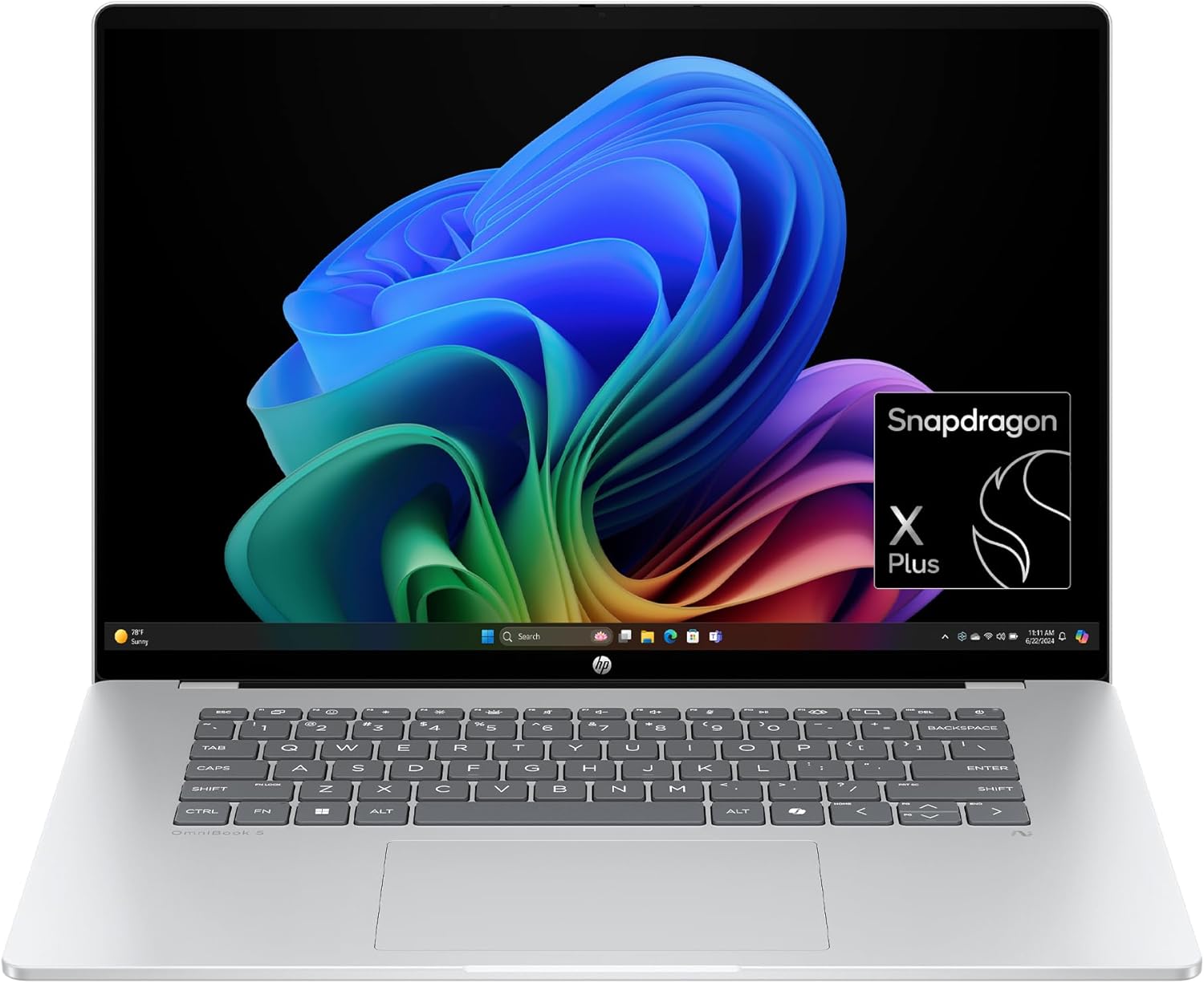 OmniBook 5 16 Snapdragon
$698.99
OmniBook 5 16 Snapdragon
$698.99
 OmniBook X Flip 14
$649.00
OmniBook X Flip 14
$649.00
 OmniBook 5 Flip + USB Hub
$579.99
OmniBook 5 Flip + USB Hub
$579.99
 OmniBook 5 14 OLED
$649.99
OmniBook 5 14 OLED
$649.99
 OmniBook X Flip AI PC
$629.00
OmniBook X Flip AI PC
$629.00
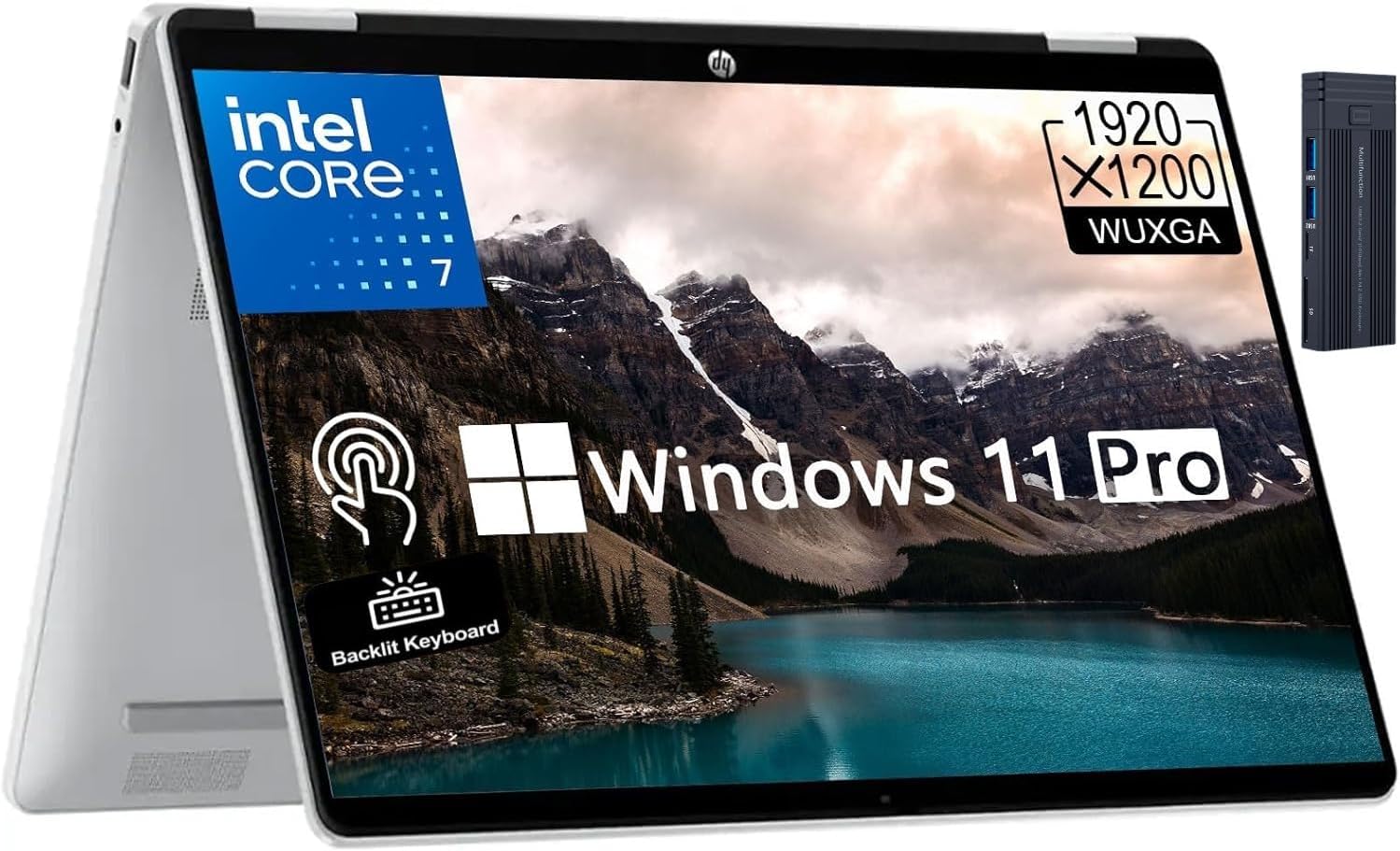 OmniBook 5 Flip 14 2K
$749.99
OmniBook 5 Flip 14 2K
$749.99
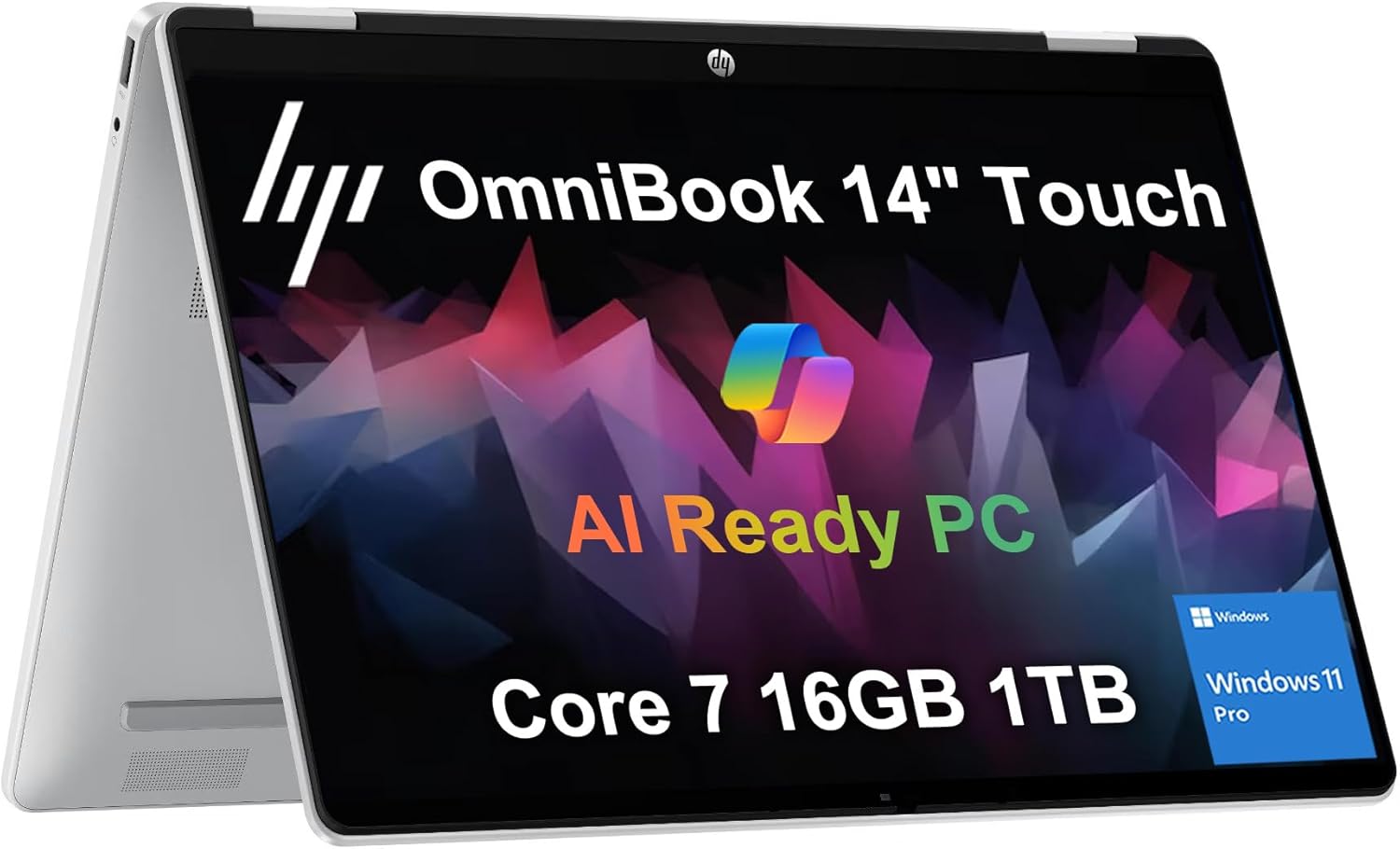 OmniBook 5 Flip 1TB
$799.99
OmniBook 5 Flip 1TB
$799.99
 Sponsored Ad – Amazon.com
Design, ports, and daily usability
The OmniBook 5 14-inch wins on the basics: it’s genuinely portable and designed to be carried daily. One UK review measured ~1.3 kg weight and about 13 mm thickness, describing a sandblasted matte silver metal frame that feels solid overallitpro.com.
PCWorld also describes a mixed-material build (aluminium lid, plastic elsewhere), noting it feels cohesive but not “best in class” on premium rigidity.
Ports and connectivity
Across multiple reviews, the port story is consistent: usable, but limited—typical for a thin 14-inch laptop.
A representative port list from hands-on testing includes:
- 2× USB‑C (10Gbps) with charging and display output
- 1× USB‑A (10Gbps)
- 3.5mm audio jack
- Wi‑Fi 6E and Bluetooth 5.3
That means most people will be fine for headphones, a mouse, and USB storage, but if you regularly use HDMI, SD cards, or lots of accessories, you should budget for a hub/dock. Reviews explicitly flag connectivity as a downside.
Keyboard, trackpad, webcam
This is one of the OmniBook 5’s strongest practical areas. PCWorld calls its keyboard a standout at the price, while ITPro also praises the typing feel and sensible layout.
On webcam quality, reviewers diverge: one review calls the webcam “mediocre,” while another describes it as a good 1080p camera with IR facial recognition and a physical shutter. The safest conclusion is: it has the right features (1080p + IR + shutter), but image quality may not match premium business laptops.
OLED display and speakers
The headline spec that makes the OmniBook 5 14-inch feel “more expensive than it is” is the OLED panel. Both PCWorld and ITPro highlight the OLED as a major reason to buy.
What you get in practice
Most commonly cited configurations include a 14-inch 1920×1200 OLED (a “1200p” class display).
In hands-on notes, brightness is often framed around ~300 nits, which is fine indoors and usable in many bright rooms, but not ideal for working outdoors in direct sun.
If you stream Netflix/YouTube, write, research, and do office work, this is exactly the kind of panel that makes daily use feel polished: deep blacks, crisp text, and excellent contrast.
Speakers
Speaker impressions are mixed by reviewer taste, but the general picture is: loud enough for casual listening, with “better than expected” results for such a thin laptop—yet not a replacement for good headphones or external speakers.
Performance, Copilot+ AI features, and Windows on Arm compatibility
This is the section that most buyers should read twice, because it determines whether you’ll love the OmniBook 5 14—or return it.
Snapdragon performance for everyday work
PCWorld’s verdict is blunt: the OmniBook 5 14 “isn’t the quickest laptop,” but it’s good enough for typical use and its portability/battery are the selling points.
Real-world observations align across reviewers: browsing, Office apps, and media playback are smooth, and the laptop stays quiet most of the time.
If your workload is:
- documents and assignments
- email and admin
- heavy browser usage
- Teams/Zoom style calls
- streaming and light photo edits
…then this laptop is positioned correctly, and reviewers recommend it specifically for those “Office + web” workloads.
What “TOPS” and “Copilot+ PC” mean in plain English
HP explains TOPS as “Trillion Operations Per Second,” a unit used to measure AI processing capability in hardware.
For Copilot+ PCs specifically, Microsoft documentation explains that many new Windows AI features require an NPU capable of 40+ TOPS.
HP positions the OmniBook 5 series (depending on configuration) with “up to 45 TOPS,” and Snapdragon X Plus marketing materials describe an NPU reaching 45 TOPS.
So, in practical terms:
- If your OmniBook 5 14 is a Snapdragon Copilot+ configuration, it meets the general “40+ TOPS NPU” class required for Copilot+ experiences.
- That doesn’t automatically mean every AI feature is available in every region or Windows build, but it does mean the hardware is in the right category.
HP AI Companion
HP promotes “HP AI Companion” as an optional tool for instant answers and secure file analysis on your device, including an “on device” mode that can work without an internet connection.
The fine print matters. HP states:
- For on-device AI mode, your PC requires 32GB RAM and up to 4.5GB storage.
- HP describes that “on device” mode uses a downloaded Phi 3.5 model locally, while “cloud” mode uses GPT‑4o and requires internet.
That means: if you buy a 16GB configuration (which is common at lower prices), you should treat advanced on-device AI features as “may be limited,” and you should verify what’s supported on your specific SKU.
The compatibility question: will your apps run?
Windows on Arm has improved substantially, but it still isn’t “identical” to buying an Intel/AMD Windows laptop.
Microsoft’s documentation explains that Windows 11 on Arm supports emulation of both x86 and x64 apps, and performance is improved by the Prism emulator introduced in Windows 11 24H2.
However, there are real limitations. Microsoft notes that emulation doesn’t support drivers; kernel-mode components must be compiled for Arm64.
Reviewers remain cautious: TweakTown specifically warns buyers about Snapdragon software compatibility issues and stresses it’s best for Office and web tasks if you don’t need specialist programs.
Step-by-step: how to check app compatibility before you buy
Use this checklist to avoid expensive surprises:
- List your top 10 apps and peripherals (e.g., accounting software, VPN client, printer/scanner drivers, music production plugins).
- Check whether your apps have Arm-native versions first (best performance and battery), then whether they are known to work under Windows 11 on Arm emulation. Microsoft’s emulation overview is the baseline reference for how this works.
- Assume drivers are the risk area, not basic apps: if you need niche hardware, you need Arm drivers.
- If you rely on gaming, be extra careful: even if compatibility is improving, performance and anti-cheat/support issues can still block installations.
OmniBook 5 Flip 14 Core 7
$589.00
OmniBook 5 Flip 14 + Stylus
$489.97
OmniBook 5 Flip 14 Core 7
$649.99
OmniBook 5 16 Snapdragon
$698.99
OmniBook X Flip 14
$649.00
OmniBook 5 Flip + USB Hub
$579.99
OmniBook 5 14 OLED
$649.99
OmniBook X Flip AI PC
$629.00
OmniBook 5 Flip 14 2K
$749.99
OmniBook 5 Flip 1TB
$799.99
Sponsored Ad – Amazon.com
Battery life and charging
This is the OmniBook 5 14-inch’s signature advantage—and the main reason it’s ranking in “best battery life laptop” conversations.
Battery results from reputable hands-on tests
- PCWorld reports the laptop reached up to 25 hours in its battery life test, also highlighting fast charge and a small 65W GaN chargerpcworld.com.
- TweakTown reports 28 hours 19 minutes in the “PCMark 10 Applications battery benchmark” (focused on intermittent Office app usage mixed with idle).tweaktown.com.
- Lon.TV reports 12–15 hours in typical day-to-day use (Office apps, browsing), which is a realistic real-world expectation for many people when you factor in brightness, Wi‑Fi, and multitaskingblog.lon.tv.
Those numbers are not contradictions—they’re different test styles. Controlled playback and scripted workloads tend to produce “headline” endurance, while mixed use produces the number most buyers personally feel.
Manufacturer battery claims (and the fine print)
HP advertises “up to 34 hours” of battery life on select configurations, and it specifies that this is based on continuous local video playback under defined conditions (including brightness targets)hp.com.
Treat this as a best-case ceiling, not a guarantee—HP explicitly notes battery life varies by configuration and usage.
Fast charging
HP markets fast charging up to 50% in 30 minutes for OmniBook 5 models, and multiple reviewers repeat the same figure in testing context.
Step-by-step: how to get near “all-day” battery in real use
If you want real-world endurance closer to the best-case results:
- Set brightness with intention: OLED looks great, but brightness costs power. Many tests standardise brightness (for example, HP’s own video test notes 200 nits in its method). Use that as a reference point when travelling.
- Prefer Arm-native apps where possible: they generally run more efficiently than emulated apps. (Emulation exists to expand compatibility, but it adds overhead.)
- Keep your browser lean: heavy tab usage and video calls can be the difference between a “two day feel” and a “one day feel.” (Reviewers’ mixed-use results reflect this reality.)
- Carry the charger, but don’t fear it: reviewers highlight the compact charger and fast top-ups as a practical travel benefit.
Conclusion and buying advice
The HP OmniBook 5 14-inch is best understood as a battery-first Copilot+ ultralight with a genuinely enjoyable OLED screen—an “easy to live with” laptop for schoolwork, office productivity, and entertainment.
If you know your apps will run on Windows on Arm, its value is compelling: light weight, strong keyboard, modern connectivity basics, and battery life results that are rare in this price tier.
If you don’t know whether your apps/peripherals will behave on Arm, you should treat that uncertainty as a reason to pause—or choose an x86 alternative. Microsoft’s own documentation makes it clear that emulation doesn’t cover drivers, and reviewers still flag compatibility as the main risk.
For readers who want additional context and comparisons, here are relevant internal resources on FrediTech: the HP Spectre x360 14 (2024) Review (premium OLED 2‑in‑1 alternative)freditech.com, the Dell Latitude 7320 2‑in‑1 Review (business-class focus)freditech.com, and a Beginner’s Guide to AI so you can understand AI PC terms without marketing noisefreditech.com.
FAQ
Is the HP OmniBook 5 14-inch a Copilot+ PC?
Many 14-inch Snapdragon configurations are explicitly labelled “Copilot+ PC” by HP, and HP lists “NPU up to 45 TOPS” on Snapdragon OmniBook 5 listings. Microsoft describes Copilot+ PCs as requiring an NPU capable of 40+ TOPS, which aligns with these Snapdragon configurations.
How good is the battery life in real life?
Controlled reviews report standout results (for example, up to 25 hours in PCWorld’s battery test and 28+ hours in a PCMark Office-style battery benchmark). In everyday mixed use, one reviewer reports around 12–15 hours, which is a realistic expectation for many users depending on brightness and workload.
Is it good for students?
HP positions OmniBook 5 as a family/student-friendly line, and its long battery life plus portable weight make it genuinely student-appropriate—especially for writing, research, and streaming lectures. Just confirm your required apps (and any campus software) work on Windows on Arm if you buy a Snapdragon-based configuration.
Can it handle gaming?
It can handle light/compatible titles, but reviewers consistently warn that gaming is not the OmniBook 5’s strength due to GPU performance limits and Windows on Arm compatibility issues for some games. If gaming is a priority, consider a laptop with a stronger GPU.
Does it have a good display for watching films?
Yes for most people: reviewers highlight the 14-inch 1920×1200 OLED as a major benefit with strong contrast and sharpness. Be aware that glossy OLED panels can reflect light in bright environments, and brightness is often discussed around the ~300-nit class depending on the specific model.
What ports does the HP OmniBook 5 14 have?
A common port layout includes two USB-C ports, one USB-A port, and a 3.5mm audio jack, with Wi-Fi 6E and Bluetooth 5.3. Multiple reviews also note that connectivity is limited compared with thicker laptops, so a USB-C hub may be necessary for HDMI/SD workflows.
Will my Windows apps work on the Snapdragon model?
Windows 11 on Arm supports emulation of x86 and x64 apps, and Microsoft says the Prism emulator in Windows 11 24H2 improves emulation performance. But emulation does not support drivers, and reviewers still call compatibility the biggest buyer risk—so verify your specific apps and peripherals before purchase.
Does HP AI Companion work offline?
HP describes an “on device” mode for HP AI Companion that can work without an internet connection, separate from a cloud mode that uses GPT-4o. HP also states that “on device” AI use requires 32GB RAM and additional storage, so some lower-RAM configurations may not support all on-device features.
Author: Wiredu Fred — Tech writer & reviewer at FrediTech & Modern Collective focused on explaining consumer technology with emphasis on AI PCs and sustainable design, and an editor covering laptops and enterprise hardware.
This is a research-based review (not a single-unit lab test). It synthesises official specifications and multiple hands-on reviews to help you decide whether the HP OmniBook 5 14-inch is the right “everyday Copilot+ laptop” for your work, school, and entertainment needs.
OmniBook 5 Flip 14 Core 7
$589.00
OmniBook 5 Flip 14 + Stylus
$489.97
OmniBook 5 Flip 14 Core 7
$649.99
OmniBook 5 16 Snapdragon
$698.99
OmniBook X Flip 14
$649.00
OmniBook 5 Flip + USB Hub
$579.99
OmniBook 5 14 OLED
$649.99
OmniBook X Flip AI PC
$629.00
OmniBook 5 Flip 14 2K
$749.99
OmniBook 5 Flip 1TB
$799.99
Sponsored Ad – Amazon.com