

Introduction
What “Aura Edition” means in practical terms
“Aura Edition” is Lenovo’s branding for a bundle of AI-assisted experiences and cross-device features that sit on top of the hardware. In Lenovo’s own marketing, Smart Modes include profiles like Shield Mode (shoulder-surf detection and screen blur prompts), Attention Mode (notification/website distraction reduction), Collaboration Mode (camera and meeting enhancements), Power Mode (battery/performance balancing), and Wellness Mode (posture and break reminders)lenovo.com.
Two additional Aura-era features show up repeatedly in coverage:
- Smart Share: a phone-to-PC sharing flow that Lenovo has demonstrated as “tap / bump to share,” with transfers handled through Wi‑Fi (and tied to Intel’s ecosystem tooling in earlier demos).
- Smart Care: positioned as a faster support path (virtual agent / concierge-style support), frequently bundled as part of the Aura Edition story in Lenovo and press coverage.
The important buyer takeaway is that Aura Edition is not just “a sticker.” It’s a set of software features that can matter if you work in cafés, live in video calls, and move files between your phone and laptop often.
Quick verdict
If your priority is a creator-grade Windows laptop with an elite OLED (including a super-bright Tandem OLED option), strong RTX discrete graphics, and a port selection that avoids the “dongle life,” the Yoga Pro 9i Aura Edition is one of the most compelling 16-inch options in its class.
If your priority is consistently long battery life under mixed, real-world workloads (especially with the dGPU active), this is where the Yoga Pro 9i Aura Edition draws its clearest criticism—and why different reviewers can legitimately report very different numbers depending on test typewindowscentral.com.
For readers comparing Lenovo’s broader Aura lineup, these internal guides can help you pick the right family before you pick a configuration:
- Best Lenovo Laptops 2026: Top Picks for Work, School & Gaming
- Lenovo Yoga 9i 2‑in‑1 Aura Edition Review
/* Scoped styles under #ad-wrapper to avoid global impact */ #ad-wrapper { max-width: 100%; margin: 20px auto; box-shadow: 0 2px 6px rgba(0,0,0,0.1); border-radius: 4px; overflow: hidden; font-family: Arial, sans-serif; } #ad-wrapper .ad-grid { display: flex; flex-wrap: wrap; gap: 5px; justify-content: space-between; padding: 10px; background: #fff; border: 1px solid #ddd; border-bottom: none; } #ad-wrapper .ad-grid a { flex: 1 0 18%; /* 5 per row */ max-width: 18%; text-align: center; text-decoration: none; color: #111; } #ad-wrapper .ad-grid img { width: 100%; height: auto; display: block; border-radius: 4px; transition: transform 0.2s ease; } #ad-wrapper .ad-grid a:hover img { transform: scale(1.05); } /* NEW: product label under each image */ #ad-wrapper .ad-label { display: -webkit-box; -webkit-line-clamp: 2; /* up to 2 lines */ -webkit-box-orient: vertical; overflow: hidden; margin-top: 4px; padding: 0 2px; font-size: 11px; line-height: 1.2; color: #333; text-transform: none; } #ad-wrapper .ad-footer { display: flex; align-items: center; padding: 8px 12px; background: #f9f9f9; border-top: 1px solid #ddd; } #ad-wrapper .ad-footer img { height: 14px; margin-right: 8px; display: block; } #ad-wrapper .ad-footer span { font-size: 13px; color: #555; line-height: 1; } /* Responsive breakpoints */ @media (max-width: 900px) { /* 4 per row */ #ad-wrapper .ad-grid a { flex: 1 0 30%; max-width: 30%; } } @media (max-width: 600px) { /* 2 per row */ #ad-wrapper .ad-grid a { flex: 1 0 40%; max-width: 40%; } } @media (max-width: 400px) { /* 2 per row */ #ad-wrapper .ad-grid a { flex: 1 0 40%; max-width: 40%; } }
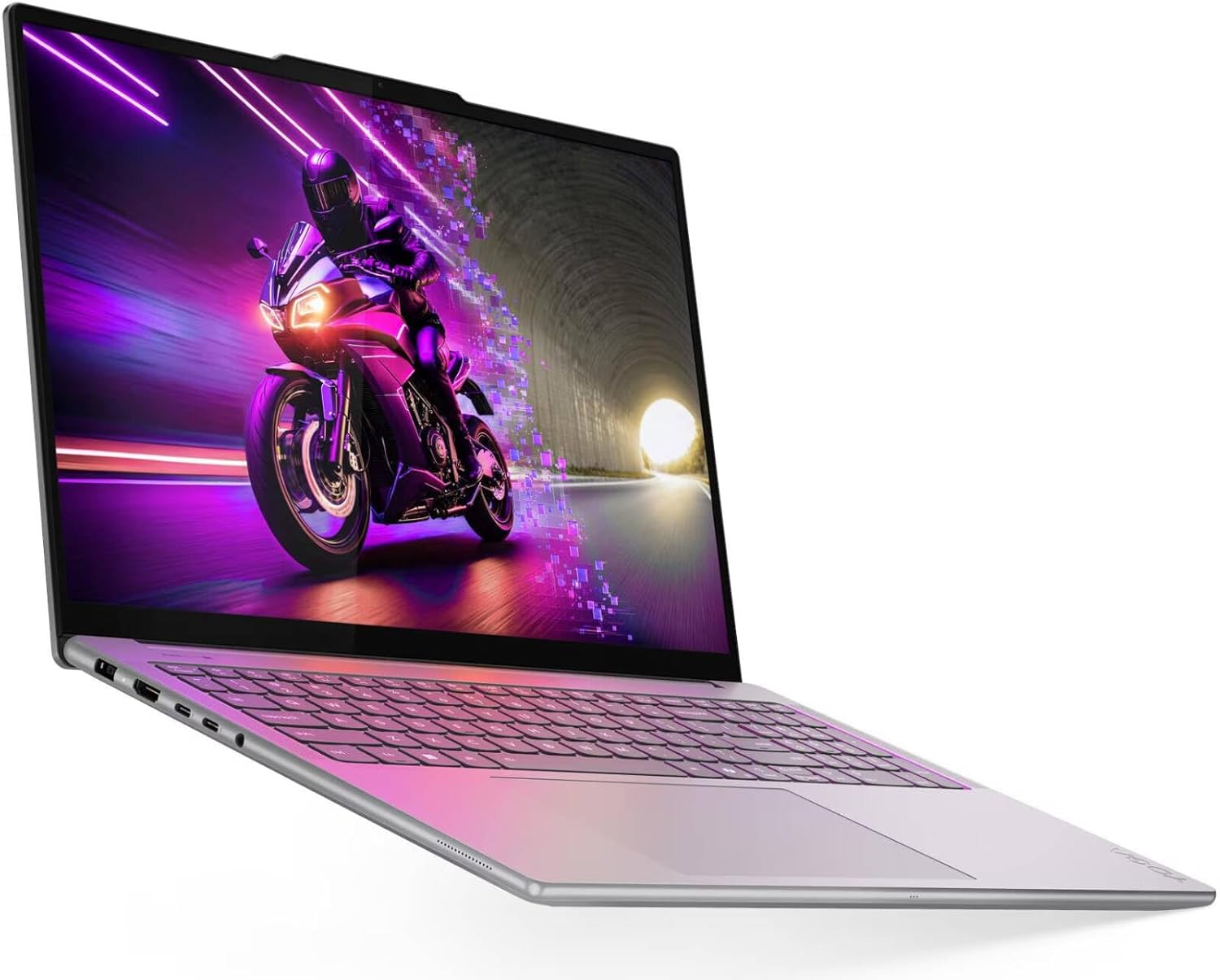 Yoga Pro 9i Aura 16″
 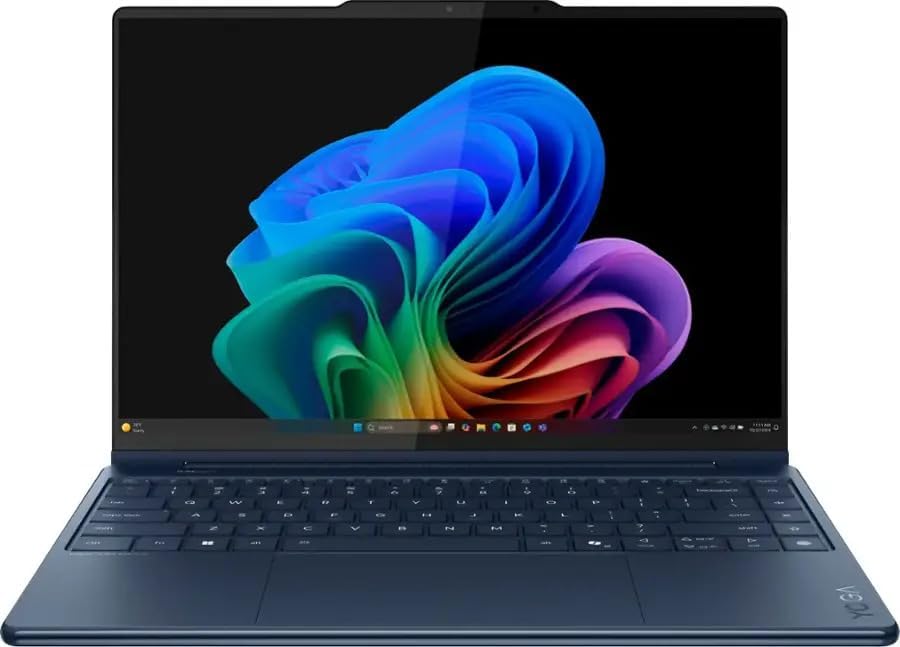 Yoga 9i 2-in-1 Aura 14″
  IdeaPad Pro 5 16″ OLED
  Yoga 9i 2TB Cosmic Blue
  Yoga Slim 7i Aura 15.3″
  Legion Pro 5i Gen 10
  Yoga 7i 2-in-1 16″
  Yoga 9i AI 2-in-1
  ThinkPad X9-14 Gen 1
  Yoga 7i 16″ 2.28TB Set
  Sponsored Ad – Amazon.com
Specs and configuration guide
The configurations that matter most
Lenovo’s PSREF for Yoga Pro 9 16IAH10 lists two main CPU tiers (Core Ultra 7 255H and Core Ultra 9 285H), paired with discrete RTX graphics options (commonly RTX 5060 / RTX 5070 in PSREF, while retail/reviewer configurations also include RTX 5050)lenovo.com.
Key hardware points that affect long-term satisfaction more than “small benchmark wins”:
- RAM is soldered (32GB or 64GB), so you must choose correctly at checkout.
- Storage is more flexible: PSREF allows up to two M.2 SSDs via two slots (2242 + 2280 PCIe 4.0 x4), though some configs ship with only one SSD and leave the second slot for user expansion.
- GPU power matters: PSREF lists 100W TGP on RTX 5060/5070 configurations, and multiple reviews emphasize that Lenovo is feeding meaningful power to even the “entry” RTX option.
If you want a primary source for specs (useful for comparing regions and model numbers), Lenovo’s PSREF is the most reliable reference: Lenovo PSREF: Yoga Pro 9 16IAH10.
Ports and wireless connectivity
One reason the Yoga Pro 9i Aura Edition stands out among premium 16-inch laptops is that it does not trade away practical I/O. In PSREF, you get:
- Two Thunderbolt 4 / USB4 ports (40Gbps) with USB PD (65–100W) and DisplayPort 2.1
- Two USB‑A ports (5Gbps), including an “Always On” USB‑A
- HDMI 2.1 (up to 8K/60Hz)
- SD card reader (UHS‑I)
- 3.5mm combo audio jack
- Dedicated power connector
Thunderbolt charging can require Lenovo’s higher-wattage ecosystem for full-rate charging (Lenovo protocol up to 135W requires a specific adapter).
Wireless is modern: Wi‑Fi 7 (2×2) and Bluetooth 5.4 are listed in PSREF, with the standard reminder that Wi‑Fi 7 operation depends on local regulations.
Design, weight, and power adapter realities
A 16-inch OLED creator laptop with discrete RTX graphics is not an ultrabook, and Lenovo doesn’t pretend it is. PSREF lists:
- Dimensions: 362.72 x 253.69 x 17.9 mm
- Weight starts around 1.92 kg (non-touch) or 2.07 kg (touch), depending on panel choice
The included PSU is also not a tiny USB‑C brick: PSREF specifies a 170W slim tip adapter (availability varies by country).
Reviewer measurements cluster around “mid-4 pound” territory, reinforcing the point: portable for a performance 16-inch, but not lightpcworld.com.

Display and media experience
OLED options: standard 2.8K vs Tandem 3.2K
Lenovo’s PSREF lists four panel variants (touch / non-touch) across two OLED resolutions and brightness tiers:
- 16-inch 2.8K (2880×1800) OLED: HDR peak 1,100 nits, SDR typical 500 nits, up to 120Hz
- 16-inch 3.2K (3200×2000) Tandem OLED: HDR peak 1,600 nits, SDR typical 1,000 nits, up to 120Hz
- Both emphasize factory calibration (∆E < 1 average) and wide gamut coverage (including 100% DCI‑P3; Tandem variants list 100% Adobe RGB as well).
Independent testing aligns with the “this is a top-tier OLED” story—but also clarifies how brightness behaves in real measurements:
- NotebookCheck highlights the standard 2.8K OLED at “1,100 nits” class for HDR peak, while also reporting measured SDR brightness around the mid‑400 nits range and HDR peaks around ~1,090 nits in its testsnotebookcheck.net.
- PCWorld measured SDR full‑white brightness around 486 nits on its 2.8K OLED unitpcworld.com.
If you’re shopping specifically for editing work, brightness and color accuracy matter more than “4K vs 3.2K” bragging rights. The bright Tandem OLED option exists mainly for creators who do client-facing work, HDR work, or bright-room editing (and who are willing to trade some battery efficiency for it).
CES 2026 refresh: the “new” Yoga Pro 9i with stylus
There’s also a separate, newer CES 2026 announcement cycle worth noting because it can change buying decisions if you’re willing to wait. Coverage from The Verge describes a new Yoga Pro 9i iteration that includes:
- A 16-inch 4K Tandem OLED reaching 1,600 peak nits
- Intel “Panther Lake” processor options
- Up to RTX 5070
- A Yoga Pen Gen 2 stylus that attaches magnetically and can be used on the screen or trackpad
- Expected launch in Q2 2026, starting at $1,899.99
This matters because the PSREF platform many people associate with the 2025 “Gen 10 / 16IAH10” version lists “no pen support,” so stylus-driven workflows may depend on whether you’re buying the 2026 refresh or the earlier configurationpsref.lenovo.com.
Color work, HDR, and why DisplayHDR labels matter
The Yoga Pro 9i’s OLED options include DisplayHDR True Black 1000 branding in the PSREF feature list.
VESA explains that DisplayHDR and DisplayHDR True Black specifications are designed to help ensure HDR appears vivid with accurate color and contrast, and encourages consumers to look for certified products.
Practical meaning (simple version): HDR certification is not everything, but it’s a useful “floor” for HDR capability—especially when combined with real test measurements like those published by NotebookCheck and PCWorlddisplayhdr.org.
Speakers, mic array, and webcam for hybrid work
Audio and conferencing are a bigger part of “creator laptop” reality than many spec sheets admit.
A six-speaker system (four 2W woofers + two 2W tweeters) tuned with Dolby Atmos and Smart Amplifier, plus a quad-microphone array and a 5MP + IR camera with an e‑shutter (electronic shutter) for privacy.
The speakers is a standout, with WIRED among the better speaker systems it has heard on Windows laptops (while still noting Apple’s MacBook Pro as the benchmark)wired.com.
Yoga Pro 9i Aura 16″ Yoga 9i 2-in-1 Aura 14″ IdeaPad Pro 5 16″ OLED Yoga 9i 2TB Cosmic Blue Yoga Slim 7i Aura 15.3″ Legion Pro 5i Gen 10 Yoga 7i 2-in-1 16″ Yoga 9i AI 2-in-1 ThinkPad X9-14 Gen 1 Yoga 7i 16″ 2.28TB Set Sponsored Ad – Amazon.comPerformance, thermals, and creator workflows
CPU, GPU switching, and what “AI PC” does and doesn’t mean
On the CPU side, the Core Ultra 9 285H’s fundamentals are clear in Intel’s own specification sheet: 16 cores (6 performance + 8 efficient + 2 low power efficient), 16 threads, and up to 5.4 GHz max turbo.
Lenovo’s PSREF frames the device as an “AI PC,” listing “up to 99 overall TOPS,” and an NPU (“Intel AI Boost”) up to 13 TOPS.
Here’s the crucial clarity point for buyers: Copilot+ PCs are a separate, stricter class. Microsoft’s Windows 11 Copilot+ requirements documentation calls out an NPU capable of 40+ TOPS (plus other minimums like 16GB RAM and 256GB storage).
That’s why reviewers emphasize that this 2025-era Yoga Pro 9i Aura Edition is not a Copilot+ PC in the Microsoft sense—despite being an “AI PC” with AI-assisted features and discrete GPU computewindowscentral.com.
RTX graphics for creators: stability and workflow matters
The Yoga Pro 9i Aura Edition’s discrete RTX GPU is one of its defining advantages, because it changes what “portable creator laptop” can do in:
- timeline effects and exports (video)
- GPU-accelerated filters (photo)
- CUDA / OptiX acceleration in some 3D workflows
- AI-enhanced tools that can use GPU acceleration
NVIDIA’s official Studio positioning is explicit: Studio Drivers are “GPU-tuned updates” designed for stability and performance across creative workflowsnvidia.com.
Also, hybrid graphics behavior matters on a laptop like this. NotebookCheck notes Advanced Optimus GPU switching on this platform, and NVIDIA explains Advanced Optimus as dynamic switching of the internal laptop display between graphics adapters to balance battery life and performancenotebookcheck.net.
This laptop is built to run “serious work” on the RTX GPU when you need it, then fall back when you don’t—though you still shouldn’t expect ultrabook-like efficiency when the RTX GPU is activenvidia.custhelp.com.
Real-world examples: what it’s great at
Because this article is research-based (not a single-lab test), the best way to be honest is to describe realistic outcomes that are supported by published test observations.
Photo editing and color work: Creative Bloq highlights the Yoga Pro 9i Gen 10 Aura Edition as a strong Windows pick for photo editing, emphasizing the Tandem OLED display’s color/brightness and the combination of an Intel Core Ultra 9 + RTX GPU for demanding workflows (Photoshop/Lightroom use case)creativebloq.com.
Video editing and content creation: WIRED frames the Yoga Pro 9i 16 as a credible Windows attempt at a MacBook Pro-class creative machine, explicitly tying that to the CPU + RTX GPU combination (while still noting efficiency/battery limitations compared to Apple’s approach)intel.com.
Light gaming (and “gaming as a stress test”): Thurrott’s hands-on notes show why the cooling and wattage matter more than the GPU’s tier name, reporting very high frame rates in a demanding shooter scenario on a high-end configuration—while also calling out loud fan behavior during this kind of loadthurrott.com.
Port-heavy workflows (photographers, video editors, presenters): Windows Central singles out the Yoga Pro 9i as unusually practical among sleek 16-inch competitors specifically because it “doesn’t cut corners — or ports.” That matters when you regularly plug in SD cards, HDMI displays, and USB‑A devices.
Battery life and portability
Why battery life reports vary so much
Battery life is the most confusing part of the Yoga Pro 9i Aura Edition story, primarily because:
- some tests are offline video playback loops
- others are web-browsing scripts at fixed brightness
- others are reviewers describing “mixed workday” usage
- RTX GPU activation can radically change power draw
Concrete examples from reputable testing:
- NotebookCheck (Wi‑Fi browsing test at 150 cd/m² and 60Hz) reports ~9h 54m, and ~7h 22m at max brightnessnotebookcheck.net.
- PCWorld reports “almost 14 hours” in its battery test context and says it can get through a full workday depending on usage (not leaning on the dGPU)pcworld.com.
- Windows Central reports around ~5 hours of “real-time usage,” despite the 84Wh battery, and explicitly flags battery as the biggest compromisewindowscentral.com.
- WIRED reports around ~12 hours in a local video playback test, while still emphasizing that heavy apps and discrete GPU activity punish efficiency compared to MacBook Pro-class machines.
- Lenovo’s PSREF “max battery life” claims include MobileMark 30 at 250 nits (5.5 hours) and 1080p local video playback at 150 nits (14 hours), with the usual disclaimer that real battery life varies by configuration and settingspsref.lenovo.com.
The honest conclusion: the Yoga Pro 9i Aura Edition can look “good” in video playback and controlled tests, but it is not the laptop you buy if your job is eight hours unplugged while pushing GPU-heavy work.
Yoga Pro 9i Aura 16″ Yoga 9i 2-in-1 Aura 14″ IdeaPad Pro 5 16″ OLED Yoga 9i 2TB Cosmic Blue Yoga Slim 7i Aura 15.3″ Legion Pro 5i Gen 10 Yoga 7i 2-in-1 16″ Yoga 9i AI 2-in-1 ThinkPad X9-14 Gen 1 Yoga 7i 16″ 2.28TB Set Sponsored Ad – Amazon.comStep-by-step: how to get better battery life without ruining the experience
These steps are practical, reversible, and aligned with how reviewers distinguish “dGPU on” vs “dGPU mostly off” behavior.
- Step one: decide whether you need 120Hz right now
- Higher refresh rates can feel smoother, but they can cost power. If you’re writing, reading, or doing spreadsheet work, you may prefer 60Hz for battery. (Review test conditions often pin refresh rates for this reason.)
- Step two: treat brightness as a budgeting tool
- Brightness is one of the biggest controllable drains on an OLED laptop. Most test methodologies disclose a brightness target (e.g., 150 nits). Use that as your “travel baseline.”
- Step three: use the RTX GPU intentionally
- If you’re not editing, exporting, or gaming, try to keep your workflow iGPU-leaning. Discrete GPU activation is a known efficiency hit, even with switching technologies.
- Step four: keep Creator stability high (don’t chase random drivers)
- If your livelihood depends on Adobe/DaVinci/3D stability, NVIDIA frames Studio Drivers as the “reliability” path for creator workflows.
- Step five: accept the charger reality
- This is a performance laptop; the 170W class adapter exists for a reason. If you travel, plan your carry accordingly (or accept a “light mode” day on USB‑C).
Buying advice and alternatives
Recommended configurations for most buyers
Because pricing fluctuates and Lenovo frequently runs promotions, the cleanest approach is to pick configurations by workflow, not by “best” label.
- Best value for most creators
- A configuration with the 2.8K OLED and an entry RTX GPU can already be excellent, and multiple reviewers were impressed by the “base” experience (display + audio + speed).
- Best for photographers, HDR media, bright-room editing
- Upgrade to the Tandem OLED tier if your work benefits from higher SDR brightness and wider color coverage. Lenovo’s PSREF makes the 3.2K Tandem OLED’s “1,000 nits SDR / 1,600 HDR peak” class advantage explicit.
- Best for heavier GPU workflows
- If you regularly do GPU-heavy tasks, consider stepping up the RTX tier (and keep expectations realistic on battery). Both PSREF and reviewers frame the higher RTX options as meaningful for performance.
Alternatives: what to buy instead (and why)
If you want maximum efficiency and long battery life under heavy workloads
Apple’s MacBook Pro line is still the comparison point reviewers use when discussing “Windows creator laptops,” largely because efficiency remains difficult for high-power x86 + discrete GPU designs to match.
If you want a different Windows premium 16-inch direction
Reviewers frequently compare this Yoga Pro tier against Dell’s premium 16-inch options and Samsung’s large-screen premium laptops. WIRED compares weight/size dynamics against Samsung Galaxy Book4 Ultra and Apple’s 16-inch MacBook Pro, while Windows Central compares broader 16-inchwired.com.
If you want Lenovo, but prioritized for battery-first mobility
Within Lenovo’s own ecosystem, Snapdragon-based ThinkPads and thinner Aura Edition Yogas may fit better if your main KPI is unplugged time. This internal review is a strong starting point: ThinkPad T14s Gen 6 (Snapdragon) Review.
If you’re choosing between Lenovo Aura Edition form factors
Use internal comparisons to pick your “shape,” then your “specs”:
- Lenovo ThinkPad X1 Carbon Gen 14 Aura Edition Review
- Lenovo’s ThinkPad X1 2‑in‑1 Gen 11 Aura Edition Review
Conclusion
The Lenovo Yoga Pro 9i Aura Edition is at its best when you treat it as a “desktop-replacement creator laptop that you can still carry”—not as an all-day unplugged machine.
The evidence across spec sheets and reputable reviewers points to a consistent identity:
- One of the strongest OLED options available in a mainstream Windows creator laptop, with a real step-up Tandem OLED tier.
- Serious RTX-powered performance in a chassis that still aims to be refined and practical.
- Excellent port selection (HDMI + SD + USB‑A + Thunderbolt) that actually matches creator workflows.
- Battery life that can be “good” in controlled playback tests and “disappointing” in mixed real-world use—especially if you lean on the dGPU.
If you can wait and stylus support is important, the CES 2026 refresh (with a magnetic Yoga Pen Gen 2 and a 4K Tandem OLED) is worth watching before you commit.
Author credentials
Author: Wiredu Fred — Tech writer & reviewer at FrediTech focused on explaining consumer technology with an emphasis on AI PCs and sustainable design, and an editor covering laptops and enterprise hardware.
FAQ
Is the Lenovo Yoga Pro 9i Aura Edition a Copilot+ PC?
Not in the strict Microsoft definition for Copilot+ PCs. Microsoft documentation describes Copilot+ PCs as requiring an NPU capable of 40+ TOPS, while Lenovo’s PSREF for this platform lists an NPU up to 13 TOPS (even though the overall platform can claim higher “overall TOPS”).
How good is the Tandem OLED display, really?
On paper (PSREF), Tandem OLED is the big upgrade: up to 1,000 nits SDR typical and 1,600 nits HDR peak, plus wide-gamut coverage and factory calibration claims. Independent reviewers consistently describe the OLED experience as a highlight of the laptop line.
Does it have the ports creators actually need?
Yes. Lenovo’s PSREF includes HDMI 2.1, an SD card reader, USB-A ports, and Thunderbolt 4 / USB4. Multiple reviewers call out this practicality versus sleeker competitors.
Can you upgrade the RAM later?
No—PSREF lists memory as soldered (32GB or 64GB) with no slots, so plan for the entire lifespan of the laptop.
Can you upgrade storage later?
Often, yes. PSREF supports up to two M.2 SSDs using two slots (2242 + 2280 PCIe 4.0 x4), though exact behavior can depend on the specific factory configuration.
What battery life should you expect in real life?
Expect a wide range. Controlled tests and local video playback can land in the ~10–14 hour class, while “real-time mixed use” reported by some reviewers can be closer to ~5 hours, especially depending on dGPU use and settings. Lenovo’s own PSREF battery claims also vary by benchmark type (MobileMark vs local video), with clear disclaimers.
Is it good for video editing and photo editing?
Yes—this is one of its core use cases. Multiple sources position it as a creator-focused Windows laptop thanks to the combination of OLED quality and RTX discrete graphics. NVIDIA also positions Studio Drivers and RTX acceleration as creator workflow enablers.
What does Aura Edition add beyond raw performance?
Aura Edition adds software experiences like Smart Modes (privacy/focus/collaboration/power/wellness profiles), plus cross-device file/photo sharing behavior (Smart Share) and a support layer (Smart Care) that shows up across Lenovo’s Aura messaging and press coverage.