
ThinkPad T14s Gen 6 (Snapdragon) Review
Introduction: why the T14s Gen 6 matters
Lenovo’s ThinkPad T‑series has long been a sweet spot in the company’s lineup. It targets business professionals who want a machine lighter than the chunky T‑series workhorses but more robust than an ultrabook. With the ThinkPad T14s Gen 6 (Snapdragon) Lenovo introduces its first 14‑inch ThinkPad built around Qualcomm’s Snapdragon X Elite and X Plus processors. These chips combine high‑efficiency ARM cores with an integrated NPU (neural processing unit) to power on‑device AI workloads. Lenovo bills the T14s as a Copilot+ PC capable of running Microsoft’s AI assistant locally, while delivering multiday battery life and silent fanless operation.
However, performance, software compatibility and price are hotly debated. Reviewers praise the battery life, keyboard and connectivity, but some report power‑management issues and app compatibility gapsseriousinsights.net. This in‑depth review synthesises official specs, independent reviews and real‑world tests to help you decide if the T14s Gen 6 is right for you.
Overview of the ThinkPad T14s Gen 6 (Snapdragon)
Lenovo markets the T14s Gen 6 as a thin and light business laptop with high performance and multi‑day battery life. Key specifications include:
- Processors: Qualcomm Snapdragon X Elite X1E‑78‑100 (12 cores, 3.4 GHz) or Snapdragon X Plus X1P‑42‑100. Both chips have integrated Adreno GPU and Hexagon NPU delivering up to 45 TOPS of AI throughputroblillack.net.
- Memory & storage: Up to 32 GB LPDDR5X soldered memory (LaptopMedia notes that some configurations support up to 64 GBlaptopmedia.com) and up to 1 TB PCIe Gen 4 SSDlenovo.com.
- Display options: Three 14‑inch displays: two WUXGA (1920 × 1200 px) IPS low‑power panels (one touch, one non‑touch) at 400 nits and a 2.8K OLED (2880 × 1800 px) 120 Hz optionseriousinsights.net.
- Battery: A 58 Wh battery with Rapid Charge; Lenovo advertises over 21 hours of use. Independent tests vary from 14 hours to nearly 20 hours depending on workload.
- Connectivity: Two USB‑C 4.0/Thunderbolt 4 ports (40 Gbps) that support power delivery & DisplayPort, two USB‑A 5 Gbps ports (one always on), HDMI 2.1, a 3.5 mm audio jack and an optional nano‑SIM slot for 5G. Wireless connectivity includes Wi‑Fi 7 and Bluetooth 5.3 lenovo.com.
- Weight & dimensions: Starting at 1.24 kg and 16.9 mm thick.
- Operating system: Windows 11 Pro/Enterprise on ARM.
 ThinkPad T14s Gen 6 Snapdragon
 T14 Gen 6 Ultra 7 Touch
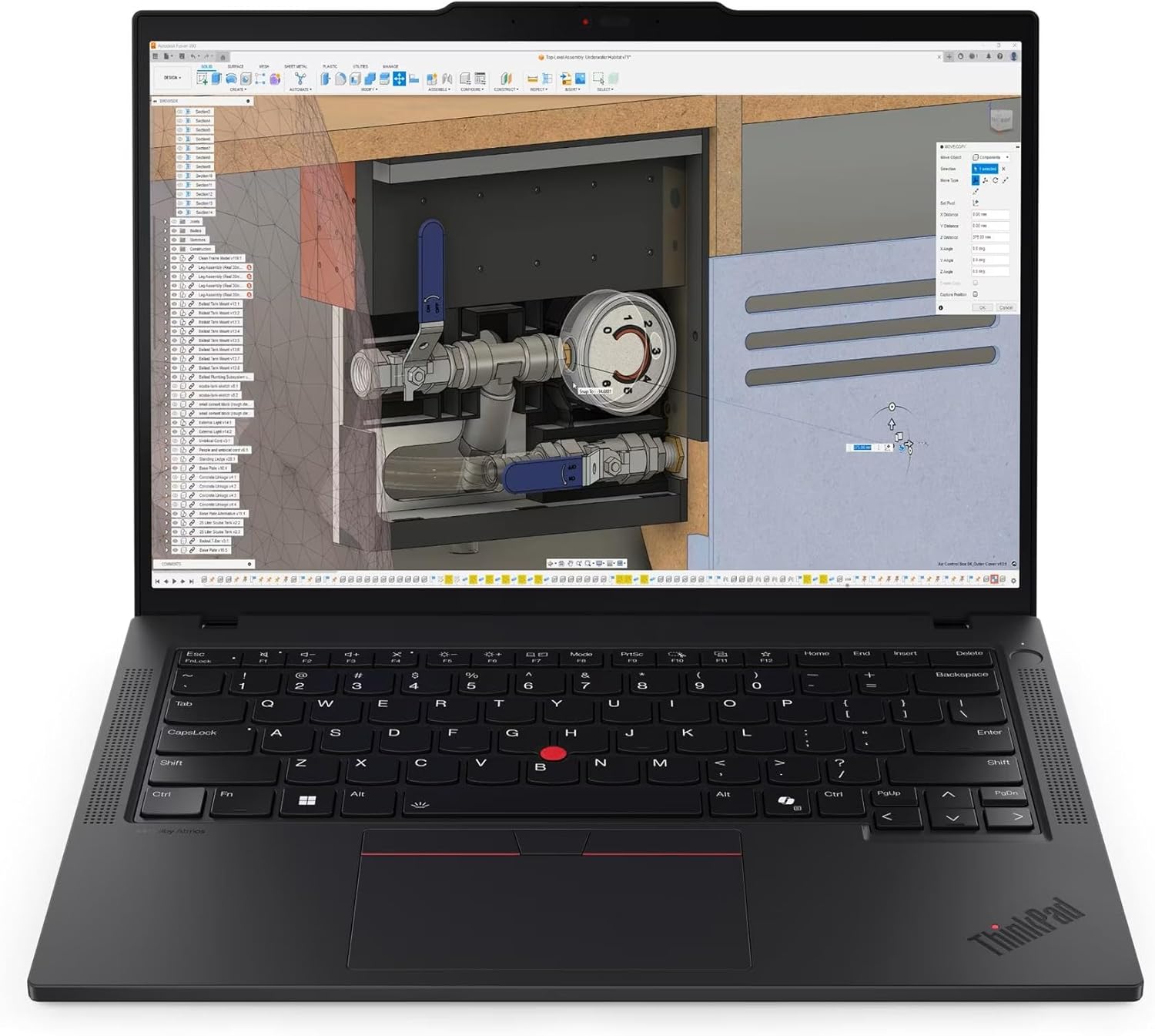 P14s Gen 6 Ryzen AI 7
 T14 Gen 6 64GB 2TB
 mCover Hard Case Black
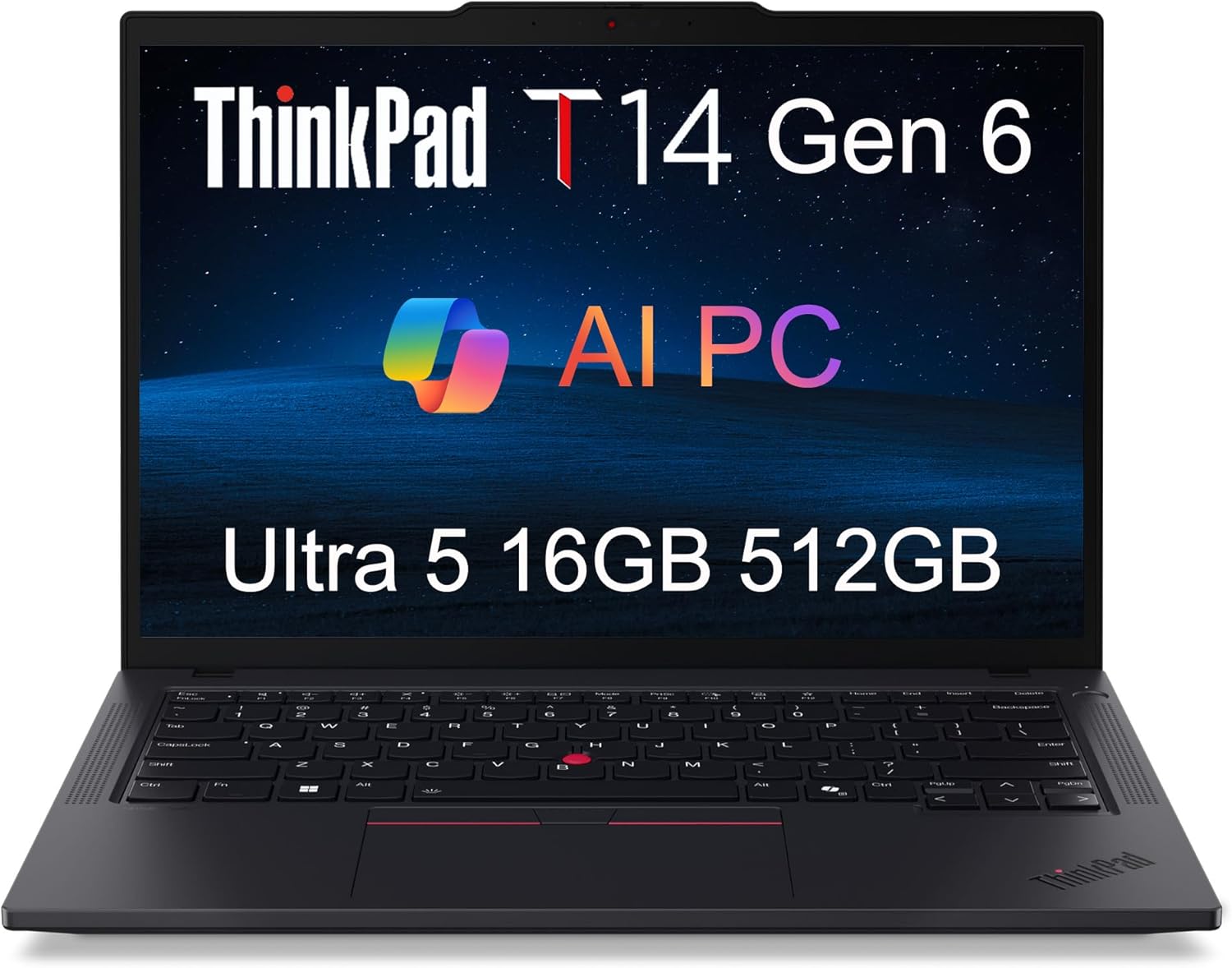 T14 Gen 6 Ultra 5
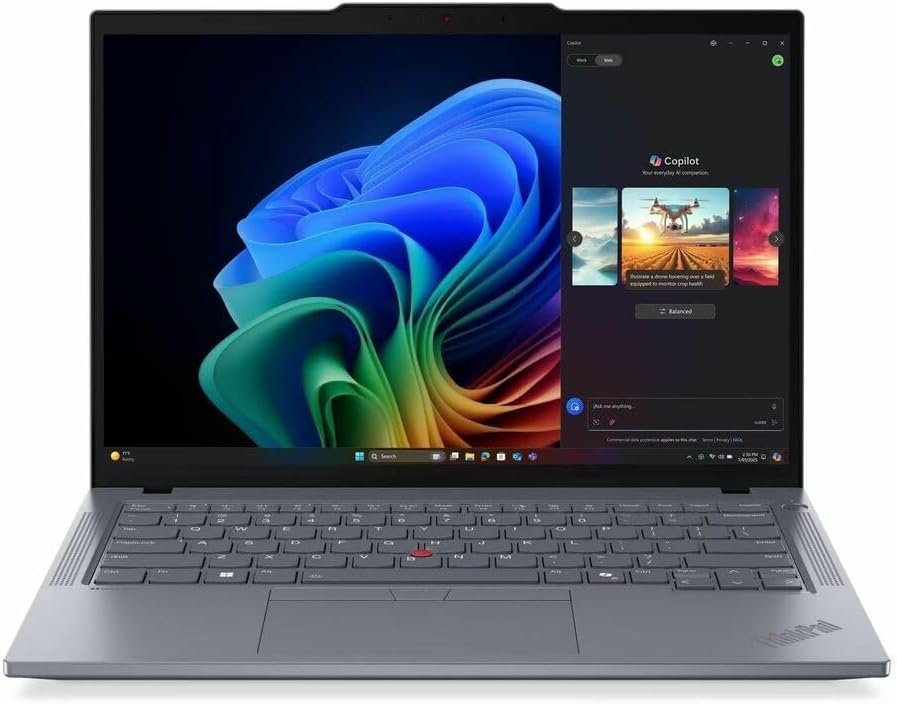 T14 Gen 6 Ryzen AI 5
 T14 Gen 5 Ultra 5 AI PC
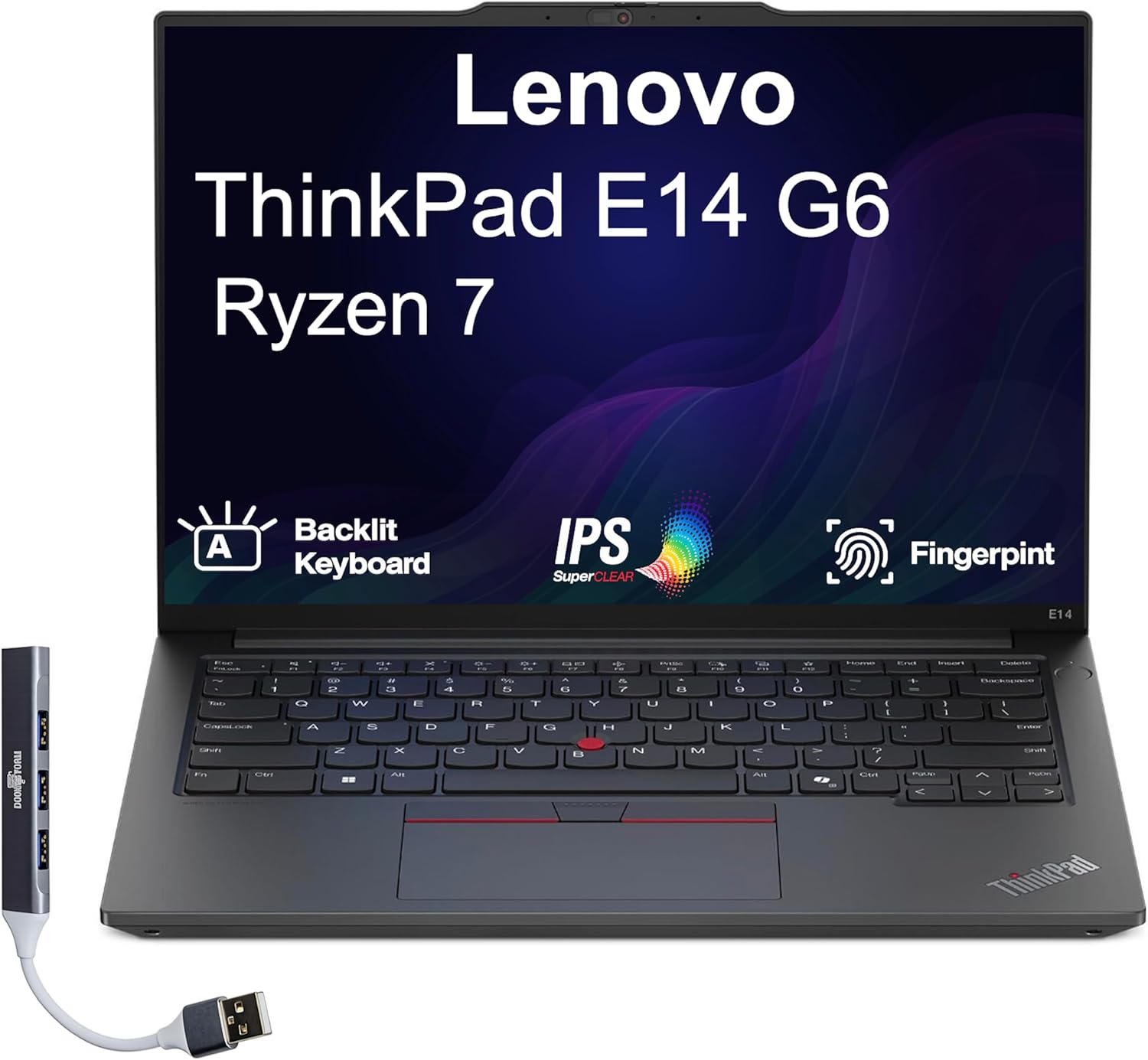 ThinkPad E14 Gen 6 Ryzen 7
 P14s Gen 4 Workstation
 Sponsored Ad – Amazon.com
Design and build quality
Materials and sustainability
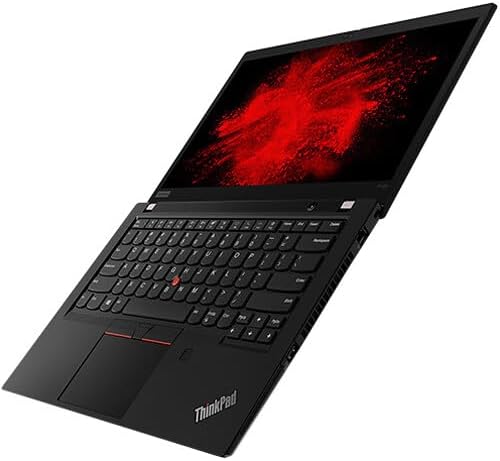
The T14s Gen 6 retains the classic ThinkPad aesthetic – a matte black chassis with a red LED on the “i” of ThinkPad. Lenovo uses recycled magnesium, recycled carbon fibre and recycled plastics in various parts (keyboard frame, bottom cover and battery enclosure), contributing to the laptop’s EPEAT Gold and TCO 9.0 certifications. This focus on sustainable materials matches Lenovo’s pledge to reduce carbon footprints across its product lineseriousinsights.net.
At 1.24 kg and 16.9 mm thick, the T14s is light and portable without sacrificing structural rigidity. Serious Insights’ reviewer notes that the chassis balances durability and lightweight convenience. However, roblog observed that the back of the display feels cheap and plasticky, contrasting with the soft‑touch palm restroblillack.net. The screen hinge is tight enough to reduce wobble but requires two hands to open.
Input devices
Lenovo keyboards have long been praised for their tactile feel, and the T14s continues this tradition. It uses a 6‑row, 1.5 mm travel keyboard with optional white LED backlighting. A TrackPoint sits between the G, H and B keys; tapping it opens a quick menu and you can still navigate the cursor with the red nub. The touchpad measures 115 × 74.3 mm and includes three physical buttons for left, right and middle click. Both roblog and LaptopMedia call the keyboard comfortable and smoothroblillack.net laptopmedia.com, and XDA praises it as “world‑class”xda-developers.com.
There is also a Windows Hello fingerprint reader integrated into the power button and an IR camera for facial recognition.
Port selection and connectivity
Ports are generous for a 14‑inch ultrabook. On the left edge you’ll find two USB‑C 4/Thunderbolt 4 ports that support power delivery and DisplayPort, along with an HDMI 2.1 port. The right side houses two USB‑A 5 Gbps ports (one always on) and a Kensington Nano security slot. A 3.5 mm headphone/mic combo jack is also provided. LaptopMedia highlights this combination as up‑to‑date and notes that the dual Thunderbolt ports enable fast data transfers and multi‑display setupslaptopmedia.com. Optional LTE/5G connectivity is available via a nano‑SIM slot.
Wireless connectivity is state‑of‑the‑art with Wi‑Fi 7 (802.11be) and Bluetooth 5.3, plus optional eSIM support. 5G connectivity is a major advantage for professionals who need constant internet access without relying on Wi‑Fi.
Durability and security
Lenovo subjects the T14s Gen 6 to MIL‑STD 810H durability tests, ensuring it withstands extreme temperatures, vibration and drops. The chassis features a self‑healing BIOS, a physical webcam shutter and support for Microsoft Pluton security, dTPM 2.0 and optional Smart Card reader, making it enterprise‑ready. Serious Insights praises the security features and optional 5G for professional useseriousinsights.net.
Display, webcam and audio
The T14s offers a choice of two WUXGA IPS displays and a 2.8K OLED. The 1920 × 1200 low‑power IPS panel is rated at 400 nits and is available with or without touch. The non‑touch model (code LEN403D) is PWM‑free, with wide viewing angles and comfortable brightness. For users who need deeper blacks and richer colours, the 2.8K OLED panel offers 120 Hz refresh, HDR 500 and 100 % DCI‑P3 coverage. Serious Insights notes that the OLED option elevates the visual experience but raises the price.
The top bezel houses a 1080p FHD webcam with IR sensors, presence detection and a physical shutter. A 1080p webcam is a step above many business laptops; reviewers highlight the camera’s sharpness and accurate colours. Dual user‑facing speakers (2 × 2 W) support Dolby Audio, and dual‑array microphones with Microsoft Voice Focus offer AI‑driven noise cancellation. XDA calls the speakers shockingly powerful.
Performance and AI capabilities
Snapdragon X Elite and X Plus processors
Qualcomm’s Snapdragon X Elite (X1E‑78‑100) and Snapdragon X Plus (X1P‑42‑100) combine efficiency and AI acceleration. The X Elite used in most review units features 12 cores with a 3.4 GHz peak frequency. An integrated Adreno GPU powers graphics, while a Hexagon NPU delivers up to 45 TOPS of AI throughput. The NPU can accelerate tasks like background blur, eye gaze correction and real‑time translation. Lenovo promotes the T14s as Copilot+‑ready, with the NPU handling AI features locally and reducing reliance on cloud processing.
Real‑world performance tests
Roblog’s hands‑on review compared the T14s to the ThinkPad X1 Carbon and a MacBook Pro (M1 Pro). Using the benchmarking tool hyperfine to compile a Go project, roblog found that the T14s took 14.1 ± 2.1 seconds when plugged in, compared with 12.8 seconds on the MacBook and 41.2 seconds on an Intel Core i7 ThinkPad. The reviewer added a battery‑mode test: compiling on battery (energy saver) took 29.2 ± 3.8 secondsroblillack.net, showing that performance drops when unplugged. In TypeScript web app bundling, the T14s completed the task in 46 ± 0.6 seconds plugged in and 120 ± 2.9 seconds on battery. These benchmarks indicate that while the T14s nearly matches the MacBook Pro’s performance when plugged in, it slows significantly on battery and lags behind high‑end Intel and Mac chips.
XDA’s review notes that the T14s held its own on synthetic benchmarks and could handle photo editing, spreadsheets, coding and even older games like Hades II, although newer AAA titles stutterxda-developers.com. LaptopMedia remarks that the CPU sustains 3.40 GHz in short/medium loads but drops to 1.67 GHz under long loads, limiting prolonged performancelaptopmedia.com. Serious Insights criticises the Snapdragon chip for falling short on intensive workloads such as rendering and heavy multitaskingseriousinsights.net.
AI and software support
Lenovo and Microsoft promote the T14s as a Copilot+ PC ready for AI‑powered tasks. The integrated Hexagon NPU accelerates Microsoft Studio Effects (background blur, eye contact correction and framing), and Lenovo’s Power Mode uses the NPU to optimise battery life. XDA mentions that 175 premium apps are currently supported natively on Windows on ARM. For other apps, the Prism x86 emulator runs them with near‑native performance, though some specialised software remains incompatible.
Roblog argues that the NPU is underutilised at present, being mostly engaged for webcam studio effects and not yet for offline language modelsroblillack.net. Serious Insights similarly notes that Windows on ARM is still evolving; some updates caused the laptop to freeze or reboot unpredictablyseriousinsights.net. If your workflow depends on niche or legacy x86 applications, check compatibility before buying.
ThinkPad T14s Gen 6 Snapdragon
T14 Gen 6 Ultra 7 Touch
P14s Gen 6 Ryzen AI 7
T14 Gen 6 64GB 2TB
mCover Hard Case Black
T14 Gen 6 Ultra 5
T14 Gen 6 Ryzen AI 5
T14 Gen 5 Ultra 5 AI PC
ThinkPad E14 Gen 6 Ryzen 7
P14s Gen 4 Workstation
Sponsored Ad – Amazon.com
Battery life and charging
Lenovo claims over 21 hours of battery life for the T14s Gen 6. Independent tests show that battery life strongly depends on usage, brightness and power mode:
- LaptopMag ran its battery test (web surfing over Wi‑Fi) and measured more than 21 hours, breaking its battery‑life record. This result underscores the efficiency of the Snapdragon X Elite.
- LaptopMedia measured 19.5 hours of video playback at 180 nits using the Windows Energy Saver presetlaptopmedia.com.
- Roblog performed a real‑world test with light office tasks at 70 % brightness and energy saver enabled. Over twelve sessions, the system lasted 8 hours 39 minutes of active use plus 44 hours 23 minutes of standby. The battery dropped to 5 % before the system shut down. The reviewer noted that the battery lost only 10 % during standbyroblillack.net.
- XDA found that at full brightness with heavy workloads, the T14s delivered 14 hours 25 minutes before hitting the low‑power warningxda-developers.com.
- Serious Insights emphasised that users can achieve over 20 hours of light use thanks to the efficient Snapdragon 8cx Gen 3 processorseriousinsights.net.
These results suggest the T14s can truly last a full workday or even two days if used lightly. However, heavy tasks or higher brightness cut battery life in half. The Rapid Charge feature replenishes 80 % in about one hour, minimising downtime during travel.
One caveat: Serious Insights and roblog both experienced power‑management issues. Some firmware updates caused the system to fail to enter sleep or to get stuck during Windows resets. Lenovo released firmware updates (e.g., a Power and Battery driver and UEFI BIOS updates) to mitigate the fan noise and battery behaviour, but roblog still observed inconsistent fan speeds when plugged in.
Heat, noise and emissions
Because the Snapdragon chip is efficient, the T14s runs fanless or nearly silent on battery. The machine stays completely silent and lukewarm when unplugged, even during short stress tests. However, when plugged into the charger, the fan can run continuously and emit noticeable white noise even under light workloads. The air outlet is positioned below the screen, reflecting fan noise towards the user.
LaptopMedia’s teardown shows a single fan and long heat pipe, with a mylar film over the heat spreader. During performance tests, the fan remained relatively quiet, suggesting that thermal design is adequate for typical workloads.
One advantage of Snapdragon’s efficiency is the absence of coil whine. Roblog initially praised the lack of coil whine but later heard a slight coil whine near the charging port.
Software compatibility and Windows on ARM
Windows 11 on ARM has matured significantly since the first Snapdragon laptops. Qualcomm’s X Elite platform includes ARM‑64 cores and a robust emulator for x86 apps. Yet there are still compatibility issues:
- Native apps: Lenovo advertises support for 175 premium Windows apps. Most productivity apps (Office, Teams, Slack) have native ARM versions, delivering excellent performance and efficiency.
- x86 emulation: The Prism emulator runs 64‑bit and 32‑bit x86 apps with acceptable performance, but some performance penalty may occur. Apps using kernel‑level drivers or virtualisation features may not work.
- Software gaps: Serious Insights notes that niche applications like 3D modelling tools and some enterprise software remain unsupported or run sub‑optimallyseriousinsights.net.
- Updates and firmware: Several reviews mention odd update behaviour. The laptop sometimes paused during firmware updates or failed to rebootseriousinsights.net.
For users whose workflow depends on specialized x86 apps, verifying compatibility before purchase is essential. Developers or engineers may prefer Intel or AMD models until the ARM ecosystem matures.
Step‑by‑step evaluation guide
When evaluating whether the ThinkPad T14s Gen 6 (Snapdragon) fits your needs, consider the following steps:
- Identify your workload: If your daily tasks involve email, document editing, video calls, coding or light photo editing, the Snapdragon X Elite delivers adequate performance. Heavy rendering, complex simulations or advanced gaming may exceed its capabilities.
- Check software compatibility: Review the list of ARM‑native apps and test essential x86 software in Windows on ARM Prism emulator. If you rely on niche apps or virtual machines, compatibility may be limited.
- Choose your display: Decide between the WUXGA low‑power screen for maximum battery life or the 2.8K OLED for better colour and a 120 Hz refresh. OLED displays cost more and consume more power.
- Assess memory and storage: Models start at 16 GB RAM and 512 GB SSD. If you work with large datasets or multiple virtual machines, choose 32 GB or the rarer 64 GB configuration. Remember that RAM is soldered, so you cannot upgrade later.
- Consider connectivity: Evaluate whether you need 5G or eSIM connectivity for on‑the‑go work. Dual Thunderbolt 4 ports and additional USB‑A ports provide plenty of connectivity, but the lack of Thunderbolt support is a con pointed out by Serious Insights.
- Think about battery life: Plan how often you need to work away from a charger. For long flights or all‑day conferences, the T14s offers excellent longevity (14–21 hours depending on usage).
- Compare alternatives: If you need better performance or compatibility, consider the Intel Lunar Lake T14s or AMD Strix Point T14s, which deliver higher sustained performance at the expense of shorter battery life. XDA suggests the Dell XPS 13 as an alternative if you want a brighter screen and similar battery lifexda-developers.com.
- Check pricing: The Snapdragon T14s starts around $1,700; custom builds or the OLED option can exceed $2,000. Compare prices across retailers and consider whether the AI features and battery life justify the premium.
Pros and cons
Advantages
- Outstanding battery life: Reviewers recorded 19–21 hours of light use and over 14 hours at full brightness.
- Lightweight and portable: At 1.24 kg and a thin profile, it is easy to carry.
- World‑class keyboard and TrackPoint: The keyboard offers 1.5 mm travel and the TrackPoint provides alternative cursor control.
- Two Thunderbolt 4 ports plus USB‑A: Versatile connectivity for modern and legacy peripherals.
- Optional 5G/eSIM and Wi‑Fi 7: Enables fast connectivity without tethering to Wi‑Fi.
- Secure and durable: MIL‑STD 810H testing, self‑healing BIOS, Pluton TPM and a physical webcam shutter.
- Sustainable design: Uses significant recycled materials and EPEAT Gold certification.
Disadvantages
- Performance throttling: CPU clock speeds drop to 1.67 GHz under sustained loads; not ideal for heavy multitasking or rendering.
- Software compatibility gaps: Some x86 apps run slowly or not at all, and firmware updates can be problematic.
- Fan noise when charging: The fan can run constantly and reflects noise toward the user when plugged in.
- Expensive: Starting around $1,700 with limited upgradability (soldered RAM).
- Display brightness: The WUXGA IPS panel is bright enough for offices but not as vibrant or bright as competitors; XDA and Serious Insights wish for a brighter screen.
Comparisons with competitors
Dell XPS 13 and HP EliteBook Ultra
Compares T14s with the Dell XPS 13 (9430). Both use Snapdragon processors and offer similar battery life. However, the XPS 13 has a brighter screen and may deliver slightly better performance due to higher‑end Snapdragon variants. The XPS lacks the ThinkPad’s durability, keyboard quality and port selection.
T14s breaks its battery‑life record, outperforming the Dell XPS 13 (19 hours) by roughly two hours. However, Dell’s laptop may appeal to those who prioritise a bright display or a more modern aesthetic.
HP’s EliteBook Ultra also features Snapdragon chips but emphasises corporate manageability. Lenovo’s T14s offers more ports and a better keyboard.
Intel and AMD T14s variants
The Intel Lunar Lake T14s review that the Intel model offers similar battery life and cooler operation but can support up to 64 GB of RAM and may have better sustained performance. However, it is typically more expensive and may be heavier.
AMD’s Strix Point T14s (not reviewed here) typically delivers strong CPU performance and built‑in Radeon graphics but may not match the Snapdragon model’s battery life.
MacBook Air (M3/M4)
Although the MacBook Air runs macOS rather than Windows, many professionals cross‑shop it against the T14s. Apple’s M‑series processors offer exceptional performance and efficiency with fanless designs. MacBook Pro M1 Pro compiled a Go project slightly faster (12.8 s vs 14.1 s) and did so silently. If you are not tied to Windows, the MacBook Air or Pro may provide better performance and a more mature software ecosystem, though you lose access to Windows‑only apps and enterprise features like Thunderbolt 4 (Mac uses Thunderbolt 4 but with limited eGPU support) or the TrackPoint.
Real‑world use cases and examples
Business travel and remote work
The T14s’ combination of long battery life, lightweight design and optional 5G makes it ideal for travellers. Professionals on the go can work for extended periods without searching for outlets. With 5G, remote workers can connect securely from airports or hotels. The rapid‑charge feature lets travellers top up the battery during a layover — an hour of charging yields ~80 % battery.
Office productivity and coding
XDA’s Sherri L. Smith used the T14s as a daily driver for office work, coding and light gaming. She reports that the laptop handled photo editing, spreadsheets, coding and indie games with ease, though heavy AAA games were beyond its capabilitiesxda-developers.com. Roblog’s compile‑time tests demonstrate that developers can run builds efficiently when plugged in, but performance may drop when on batteryroblillack.net.
AI‑enhanced communication and collaboration
With its Hexagon NPU, the T14s can apply real‑time video effects such as background blur, portrait lighting and auto‑framing during video calls. Microsoft’s Studio Effects uses the NPU to process these features locally, reducing latency and enhancing privacy. Lenovo’s Smart Meeting and Smart Assist utilities further use AI to improve focus and optimize battery usage. However, roblog criticises these AI features as currently limited; he calls the AI branding “a sham” because the NPU is mostly used for webcam effects and little elseroblillack.net.
Sustainable computing
For organisations prioritising environmental responsibility, the T14s’ use of recycled materials and plastic‑free packaging provides tangible sustainability benefits. Additionally, the energy‑efficient Snapdragon processor reduces the laptop’s power consumption, lowering its carbon footprint. Lenovo also offers CO₂ offset services and extended battery warranties for corporate buyers.
Frequently asked questions (FAQ)
What is the battery life of the ThinkPad T14s Gen 6 (Snapdragon)?
Battery life varies widely. LaptopMag recorded over 21 hours on a Wi-Fi browsing test. LaptopMedia saw 19.5 hours of video playback at 180 nits using Energy Saver. XDA achieved 14 hours 25 minutes at full brightness during heavy use, and roblog measured 8 hours 39 minutes of active use plus two days of standby under light office tasks. Realistically, expect about 12–20 hours depending on workload and display brightness.
Does the T14s support 5G connectivity?
Yes. The laptop includes an optional nano-SIM slot for LTE/5G and eSIM support, letting you stay connected without relying on Wi-Fi. Models without the SIM slot rely on Wi-Fi 7 and Bluetooth 5.3.
Can I upgrade the memory or storage later?
No for memory. The RAM is soldered to the motherboard and isn’t user-replaceable. Some configurations offer up to 64 GB LPDDR5X memory, so choose wisely when ordering.
Yes for storage. The SSD is a single M.2 2242 PCIe 4.0 slot and can be replaced or upgraded by removing the bottom cover (which requires unscrewing five captive screws).
How does the Snapdragon T14s compare to the Intel or AMD versions?
The Snapdragon model excels in battery life and fanless operation but may sacrifice sustained performance and software compatibility. NotebookCheck’s review of the Intel Lunar Lake T14s notes that the Intel variant runs cooler, offers similar battery life, and can support up to 64 GB of RAM. AMD’s Strix Point version (not covered here) typically offers stronger CPU performance but shorter battery life. Choose the Snapdragon model if battery life and mobile connectivity are your top priorities.
What are the main downsides of the T14s Gen 6 (Snapdragon)?
Common drawbacks include throttled performance under sustained loads, compatibility gaps for certain x86 applications, fan noise when charging, a premium price, and limited upgradability. Some reviewers also criticize display brightness and note occasional firmware update issues.
Does the T14s qualify as a Copilot+ PC?
Yes. Lenovo markets the T14s Gen 6 as a Copilot+ PC, meaning it meets Microsoft’s requirements for on-device AI acceleration and advanced security. The Hexagon NPU delivers up to 45 TOPS, enabling features like Studio Effects and Copilot tasks. However, the current software ecosystem still relies heavily on cloud services for many AI workloads.
Is the T14s suitable for students?
Students who need a reliable laptop for note‑taking, research, coding, and streaming lectures will appreciate the T14s’ long battery life, comfortable keyboard, and lightweight design. However, the high price and potential compatibility issues may deter budget‑conscious students. Alternatives like the Yoga 9i Aura Edition (reviewed on FrediTech) offer convertible flexibility and a brighter OLED screenfreditech.com.
Where can I learn more about other Lenovo laptops?
For more Lenovo reviews, check out FrediTech’s guides such as the Yoga 9i 2‑in‑1 Aura Edition reviewfreditech.com and the ThinkPad X1 Carbon Gen 14 Aura Edition reviewfreditech.com (also on FrediTech). These articles provide in‑depth analyses of Lenovo’s premium devices and are useful for comparing features across the lineup.
Conclusion: should you buy the ThinkPad T14s Gen 6 (Snapdragon)?
The ThinkPad T14s Gen 6 (Snapdragon) represents Lenovo’s boldest leap into the new era of AI‑powered Windows on ARM laptops. Its long battery life, lightweight build, world‑class keyboard, robust security and AI‑ready hardware make it an excellent companion for professionals on the go. Independent tests confirm that the 58 Wh battery can deliver between 14 and 21 hours of real‑world use, placing the T14s among the longest‑lasting laptops on the market.
However, this longevity comes with trade‑offs. Sustained performance lags behind the latest Intel and AMD processors, and software compatibility remains a hurdle for niche or legacy applications. Fan noise when charging and occasional firmware quirks detract from the otherwise premium experience. With a starting price of around $1,700 and limited upgradability, the T14s is a significant investment.
Ultimately, choose the Snapdragon T14s if you prioritise mobility, battery life and connectivity and are comfortable with Windows on ARM’s growing pains. If you need maximum performance, better display brightness or guaranteed software compatibility, consider the Intel or AMD variants of the T14s, Dell’s XPS 13, or even a MacBook Air. For most business travellers and mobile professionals, the T14s Gen 6 offers an enticing blend of efficiency, security and sustainability, marking a significant step forward for AI‑ready Windows laptops.
Author
By Wiredu Fred
Tech writer & reviewer at FrediTech – researching and explaining consumer technology, with a focus on AI PCs and sustainable design.