

Introduction
Indoor security cameras have evolved from simple nanny cams into fully fledged smart devices that watch over our homes and loved ones. They stream high‑definition footage to our phones, detect motion with artificial intelligence and even recognize familiar faces. The global security camera market was valued at about USD 16.9 billion in 2025 and is projected to reach over USD 81 billion by 2035researchnester.com. By 2026, the industry is estimated at USD 20.1 billion, growing around 19 percent annually. Governments encourage adoption by providing rebates for residential installations and mandating encryption and testing to reduce privacy breaches. Rising urbanization, smart‑city initiatives and strict safety regulations are fueling demand.
Beyond market figures, human motivations drive camera adoption. A SafeHome survey found that 78 percent of adults cite convenience and 63 percent cite security as the main reasons for buying smart‑home devices (including cameras)safehome.org. Unfortunately, at least 40 percent of people have experienced package theft or suspicious activity, so indoor cameras provide peace of mind when packages are delivered or children are home alone. This guide explains how indoor cameras work, explores privacy and legal concerns, compares storage options, demystifies night‑vision technologies and offers step‑by‑step installation advice. By the end, you’ll know what to look for and how to secure your footage.
How Indoor Security Cameras Work and Key Features
How cameras function
An indoor security camera combines a digital camera, motion sensor, microphone and wireless transmitter. When motion or sound is detected, the camera records a clip and sends a notification to your smartphone. Many models let you view a live feed and speak through the camera via two‑way audio. Security.org’s testing criteria for the best cameras prioritize clear 1080‑p or higher resolution, night vision, two‑way audio and AI features like person detection. Some high‑end models support 2K or 4K resolution and offer color night visionsecurity.org. A built‑in speaker and microphone allow you to greet visitors or warn intruders; this feature is considered essential in professional tests. Cameras connect via Wi‑Fi, Ethernet or Power‑over‑Ethernet (PoE) and integrate with smart‑home platforms such as Alexa, Google Home or Apple HomeKit.
Motion detection and AI
Most cameras use passive infrared sensors or pixel‑based analysis to detect motion. Modern cameras include activity zones and AI that distinguish between people, pets and vehicles. This reduces false alerts from curtains or sunlight. Some premium devices provide facial recognition, package detection and sound recognition, but these features may require a subscription.
Storage options (cloud vs local)
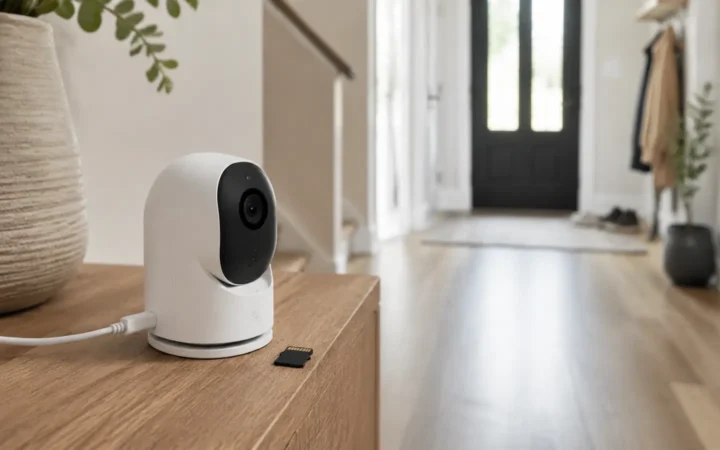
Indoor cameras record clips locally (on a micro‑SD card or network video recorder) or remotely (via encrypted cloud storage). The SafeHome guide notes that many security cameras require a monthly fee to store video in the cloud, averaging between USD 3 and USD 30 per month. Local storage avoids monthly fees but may require extra hardware: a 128 GB micro‑SD card costs around USD 25 and NVR systems range from USD 150 to over USD 1,000safehome.org. Hybrid systems offer both—allowing continuous local recording while storing critical events in the cloud.
Privacy features
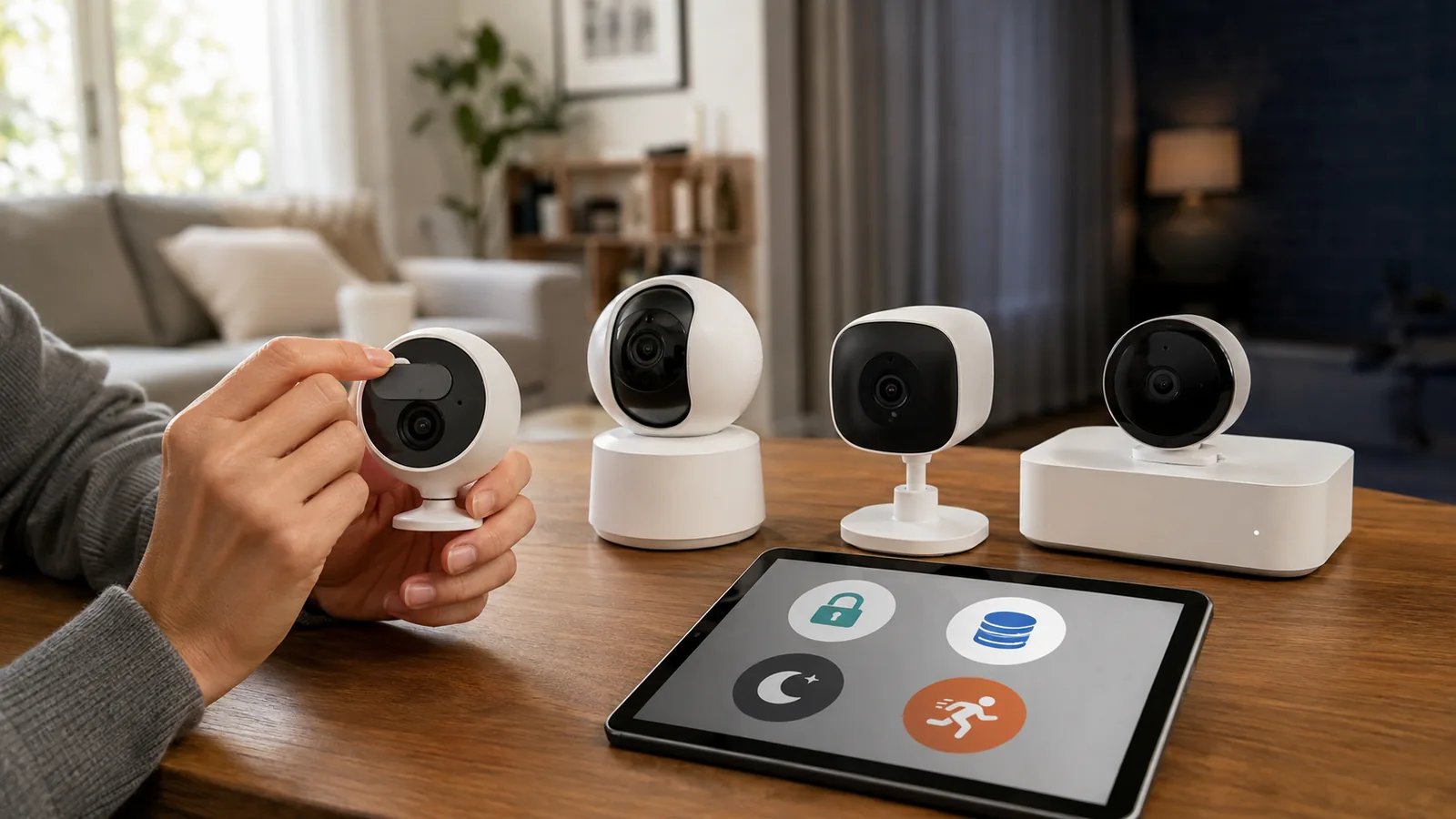
Because cameras operate inside living spaces, privacy is paramount. Several manufacturers offer physical privacy shutters that cover the lens when the camera isn’t recording. For example, SimpliSafe’s Wireless Indoor Camera keeps a shutter closed by default to protect privacy. Some cameras can automatically turn off when your smartphone is within the home’s geofence or when you disarm the alarm system.
Market Trends and Adoption
Rapid growth and smart‑city initiatives
The research firm Research Nester projects that the security camera market will surge to USD 81.4 billion by 2035researchnester.com. Indoor cameras are expected to capture a significant share thanks to widespread installations in homes, offices and commercial spaces. Growth is propelled by urbanization, smart‑city programs and AI‑enabled surveillance, as well as government incentives that require encryption and controlled access protocols for cameras. North America currently dominates with about 44 percent of revenue in this market, while Asia–Pacific sees the fastest expansion due to smart cities and large‑scale deployments.
Why homeowners choose cameras
Surveys show that people install cameras primarily for convenience (monitoring kids and pets remotely) and security (deterring burglars)safehome.org. Many people are willing to trade some privacy for safety. Indoor cameras help provide evidence when packages go missing or when unauthorized visitors enter. Cameras also integrate with other smart‑home devices such as lights, locks and thermostats, enhancing overall security.
Privacy and Legal Considerations
Real‑world risks: hacking and voyeurism
While cameras increase security, they can also be exploited. SafeHome describes a website called “Insecam” that streams footage from thousands of unsecured IP cameras around the world. The site is meant to raise awareness, but it proves that weak passwords and outdated firmware allow strangers to watch private spaces. The same article recounts incidents where hackers used compromised baby monitors to shout threats at parents. Hackers typically exploit three weaknesses: reused passwords leaked in data breaches, unchanged default credentials and unpatched softwaresafehome.org.
How to protect your footage
To safeguard your privacy, follow these security best practices:
- Change default login credentials immediately. After unboxing your camera, find its IP address, log in and set a unique username and password.
- Use strong, unique passwords. Don’t reuse passwords across devices. Only 18 percent of users change default credentials, and a 2019 Google study found 59 percent of people use their birthdays as passwords and more than half reuse passwords. Consider a password manager to generate and store complex credentials.
- Enable two‑factor authentication (2FA). 2FA requires a one‑time code in addition to your password, drastically reducing the chances of unauthorized access.
- Activate login notifications. Push notifications alert you whenever someone logs in, so you can immediately cut off unauthorized access.
- Keep firmware up to date. Regularly update your camera’s software; reputable brands release over‑the‑air patches to fix vulnerabilities.
- Choose quality equipment. Cheap, unbranded cameras often lack encryption and security updates. Invest in cameras from trusted manufacturers.
Legal rules and the expectation of privacy
Legal issues vary by jurisdiction, but some principles apply widely:
- Expectation of privacy – In the United States, the Fourth Amendment protects reasonable expectations of privacy. SafeHome explains that rooms where privacy is expected—bedrooms, bathrooms, hotel rooms and locker rooms—cannot legally have cameras. Conversely, front yards and common areas have lower expectations of privacysafehome.org.
- Consent laws – Recording audio may fall under wiretapping laws. Several U.S. states require two‑party consent for recording conversations. If you live in California, Connecticut, Florida, Illinois, Maryland, Massachusetts, Nevada, New Hampshire, Pennsylvania or Washington, you generally need permission from everyone being recordedsafehome.org.
- Vacation rentals – Companies like Airbnb permit cameras only in public areas and require clear disclosure. VRBO prohibits cameras inside its rentals. Forty‑two percent of potential vacation renters said they would be less likely to book a property with cameras, and six percent have discovered hidden cameras in rentalssafehome.org.
- Law enforcement access – Police can request your footage. If you grant permission or if they have a warrant, they may obtain recordings directly from the cloud provider.
Understanding these laws helps you place cameras responsibly. Always tell guests if you have indoor cameras and avoid placing them in rooms where privacy is expected. If you need audio recording, get written consent from the people being recorded.
Storage Options: Cloud vs Local
Cloud storage
Most modern indoor cameras store footage in the cloud, sending encrypted video to servers operated by the camera vendor or a third party. Cloud storage offers convenience, off‑site backup and the ability to review footage from anywhere. However, it typically requires a subscription—SafeHome notes that plans average between USD 3 and USD 30 per month. Cloud providers may also share footage with law enforcement if presented with a warrantsafehome.org. When using cloud storage, choose providers with end‑to‑end encryption and a transparent privacy policy.
Local storage
Local storage keeps video on the device itself via a micro‑SD card or on your home network via a network video recorder (NVR). This approach avoids monthly fees and gives you full control of your footage. SafeHome’s pricing guide estimates that a 128 GB micro‑SD card costs around USD 25, while NVRs range from USD 150 to more than USD 1,000safehome.org. Local storage is ideal for those who prefer maximum privacy or have limited internet bandwidth, but it has drawbacks: the footage could be stolen or destroyed if the camera is damaged or the home is burglarized, and you might still need the camera’s app to access recordings.
Hybrid systems
Some cameras support both local and cloud storage. For example, Lorex cameras record continuously to a DVR without subscription, and Wyze cams include micro‑SD slots for event recording. Hybrid storage gives you continuous footage on‑site and event clips in the cloud, providing redundancy without large fees.
Understanding Night‑Vision Technology
Infrared (IR) night vision
Traditional night vision relies on infrared LEDs surrounding the camera lens. These LEDs emit light that’s invisible to the human eye but can be detected by the camera sensor. The Hytera blog explains that infrared night‑vision cameras capture thermal radiation to produce black‑and‑white imageshytera.com. They offer long‑distance visibility and work in complete darkness. IR cameras are effective for recording faces and license plates at night, but images may lack color and fine detail.
Starlight and color night vision
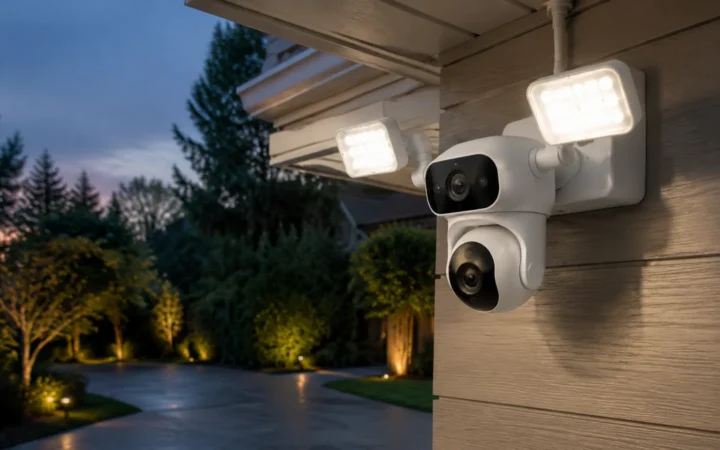
Starlight cameras use highly sensitive sensors to amplify minimal ambient light (such as moonlight or street lights). According to Hytera, starlight technology produces color images in low‑light environments and is ideal for situations where color detail mattershytera.com. The color effect diminishes in near‑total darkness, causing the camera to switch back to IR mode. Color night‑vision cameras often use larger sensors and wide‑aperture lenses; some include small spotlights to illuminate the scene for full‑color recording.
Choosing the right night vision
When selecting night‑vision capabilities, consider your environment:
- Complete darkness – Choose a camera with strong infrared LEDs for long‑distance black‑and‑white images.
- Low‑light areas – Opt for starlight or color night‑vision cameras to capture color details and provide clearer context.
- Variable lighting – Some cameras combine both technologies, switching automatically between color and infrared based on ambient light.
Choosing the Right Indoor Security Camera
Factors to consider
Selecting a camera involves balancing features, privacy and budget. The following factors help you choose the best camera for your situation:
- Resolution and field of view – 1080 p is the minimum recommendation. Higher resolutions (2 K or 4 K) provide sharper details but require more storage and bandwidth. Wide viewing angles (120° or more) ensure you see entire rooms; some cameras offer pan‑tilt‑zoom (PTZ) functionality.
- Night vision – Evaluate whether you need infrared or color night vision. Black‑and‑white IR is fine for general monitoring, while color or starlight is better for identifying clothing colors or vehicle details.
- Motion detection and AI – Look for cameras with customizable activity zones and AI that distinguishes between people, pets and vehicles. This reduces false alerts and ensures important events are recorded.
- Audio and two‑way talk – High‑quality microphones and speakers let you communicate with family members or warn intruders.
- Storage preference – Decide whether you want local storage (micro‑SD or NVR) or cloud storage (subscription fees). Hybrid systems provide flexibility but may cost more up front.
- Privacy controls – Choose cameras with privacy shutters, scheduling options or geofencing to disable recording when you’re home. Also check whether the vendor supports end‑to‑end encryption and two‑factor authentication.
- Power source – Indoor cameras may be plug‑in, battery‑powered or PoE. Plug‑in and PoE cameras offer continuous power but require nearby outlets or Ethernet; battery models are easier to place but need recharging.
- Smart‑home integration – If you use voice assistants or smart platforms, ensure your camera works with Amazon Alexa, Google Home, Apple HomeKit or the Matter standard..
- Budget – Entry‑level cameras start around USD 30, while high‑end models with 4 K resolution and AI features can cost over USD 400. Remember to budget for storage (cloud or local) and accessories like micro‑SD cards or mounts.
Matching cameras to use‑cases
Use Case | Recommended Features |
Baby monitor or pet cam | High resolution (1080p or 2 K), two‑way audio, mobile app, privacy shutter, optional local storage for constant recording. |
Entryway surveillance | Wide field of view (130°+), motion zones, quick notifications, strong IR for nighttime. |
Apartment or renter | Battery‑powered or plug‑in camera with flexible placement, privacy shutter, strong Wi‑Fi; subscription‑free local storage for privacy. |
Smart‑home integration | Cameras compatible with your voice assistant or smart‑home hub. |
High‑security monitoring | 2 K/4 K resolution, starlight/color night vision, AI detection, PoE power for reliability, hybrid storage. |
Installation and Placement: Step‑by‑Step
Proper installation ensures your camera captures useful footage without compromising privacy. Here’s a step‑by‑step guide:
- Plan your coverage – Decide which areas need monitoring: common areas (living room, kitchen), entryways, hallways and points of entry. Avoid placing cameras in bedrooms or bathrooms to respect privacy.
- Check Wi‑Fi and power – Ensure your chosen locations have a strong Wi‑Fi signal and access to a power outlet (unless using battery or PoE). Use a Wi‑Fi extender if needed.
- Mount at the right height – For room cameras, mount them in a high corner facing down across the area. This reduces blind spots and keeps the camera out of reach. For entryway cameras, position them at eye level to capture faces.
- Avoid direct light sources – Point cameras away from windows and lights to reduce glare. When monitoring windows or doors, mount cameras perpendicular to the light source for better exposure.
- Secure the camera – Use the provided screws or adhesive mounts. If you’re renting, use non‑damaging mounts or small command strips.
- Connect and configure – Power on the camera and follow the manufacturer’s instructions to connect it to your network. Create a unique username and password, enable 2FA and check for firmware updates.
- Set activity zones and schedules – Use the app to define zones where motion will trigger alerts and to schedule when the camera is active. For example, you might disable recording during daytime when you’re home.
- Test and adjust – Trigger the motion sensor to ensure the camera records and sends notifications. Review the footage to adjust placement, detection sensitivity and notification preferences.
- Maintain regularly – Periodically clean lenses, verify Wi‑Fi connectivity, charge or replace batteries, update firmware and review your storage plan.
Real‑World Examples
Using cameras to deter intruders
SafeHome’s review of Wyze cameras highlights a real example where a homeowner used two‑way audio to scare off a suspicious person. When the motion alert triggered, the homeowner told the intruder through the camera’s speaker that they were being watched. The suspect immediately ran awaysafehome.org. This illustrates how built‑in audio features can prevent crime without putting homeowners at risk.
Privacy shutters in action
In Security.org’s tests, SimpliSafe’s indoor camera includes a motorized privacy shutter that covers the lens when not in usesecurity.org. By default, the camera lens remains closed and opens only when motion is detected or when live viewing is activated via the app. This feature offers peace of mind for users worried about unauthorized viewing.
Local storage saves subscription costs
SafeHome evaluated the Wyze Cam v3 and found that its micro‑SD slot provides local recording without a monthly feesafehome.org. This allowed testers to save motion clips locally even when they opted out of Wyze’s subscription. The trade‑off is that the camera records only when motion occurs and not continuously.
Market growth fuels innovation
Research Nester’s report links rising urbanization and AI surveillance to a booming market valued at USD 16.9 billion in 2025 and projected to grow to USD 81.4 billion by 2035researchnester.com. These economic forces encourage manufacturers to develop advanced features like starlight night vision, privacy shutters, hybrid storage, and integrated AI analytics.
Frequently Asked Questions (FAQ)
Are indoor security cameras legal?
Yes, but legality depends on where you place them. Cameras are generally allowed in common areas and entryways, but bedrooms and bathrooms are considered private spaces and cannot be surveilled. If your camera records audio, be aware of state consent laws—several U.S. states require all parties to consent to recording.
How do I stop my camera from being hacked?
Follow best practices: change default credentials immediately, create strong unique passwords, enable two-factor authentication, update firmware regularly and buy from reputable brands. You can also disable remote access when not needed and review login notifications regularly.
Do indoor cameras record audio?
Many indoor cameras include microphones and speakers for two-way communication. Recording conversations may require consent depending on your jurisdiction. Check local laws and always inform anyone being recorded.
Do I need a subscription?
No. While many cameras charge monthly fees for cloud storage and AI features, there are subscription-free options that record to micro-SD cards or NVRs. Hybrid options store clips locally and in the cloud.
How much storage do I need?
It depends on resolution and recording mode. A 128 GB micro-SD card (around USD 25) can store weeks of event footage at 1080 p. Continuous recording or higher resolutions will require more storage or a larger NVR.
What’s the difference between infrared and starlight night vision?
Infrared night vision uses IR LEDs to produce black-and-white images in complete darkness and offers long-range visibility. Starlight technology uses ambient light to create color images in low light. In very dark conditions, starlight cameras switch to infrared mode.
How do I choose between cloud and local storage?
Choose cloud storage if you want easy remote access and off-site backups, and you don’t mind paying a subscription (around USD 3–30 per month). Choose local storage for maximum privacy and no recurring fees; expect to buy micro-SD cards or an NVR. Hybrid systems provide both.
Can law enforcement request my camera footage?
Yes. If you consent or police obtain a warrant, they can access your recordings, especially if they’re stored in the cloud. Local storage gives you greater control over who sees your footage.
Do privacy shutters really protect me?
Privacy shutters physically block the camera lens when it isn’t recording. This prevents anyone—including hackers—from seeing through the camera. The SimpliSafe camera reviewed by Security.org keeps its shutter closed by default, offering extra peace of mind.
Conclusion
Indoor security cameras are powerful tools for keeping your home safe, but they raise important questions about privacy, storage and technology. Rapid market growth—projected from USD 16.9 billion in 2025 to over USD 81 billion by 2035—is driving innovation in night‑vision technology, AI detection and encryption. Before buying a camera, consider your priorities: resolution, field of view, night‑vision type, storage preferences, privacy controls and legal responsibilities. Follow best practices to secure your devices—change default credentials, use strong passwords and enable two‑factor authentication.
As you build your smart‑home ecosystem, take advantage of our other guides at FrediTech. Check out our comparison of Best Video Doorbells in 2026: Battery vs Wired for insights into entryway security, or learn how to install LED light strips like a pro to enhance your home’s ambiance. Looking to automate appliances? Our Best Smart Plugs in 2026 guide will help you choose the right plugs. By making informed decisions, you can build a security system that balances privacy, affordability and peace of mind.
Author: Wiredu Fred – Tech writer and smart‑home enthusiast at FrediTech. Wiredu researches emerging gadgets and smart‑home technology, translating complex specifications into clear, actionable advice. His work emphasizes privacy, energy efficiency and real‑world testing to help readers make informed decisions.