
Lenovo Yoga Slim 9i Review 2026: Premium OLED Laptop should be judged by more than a processor name or launch-day benchmark. This review focuses on the things that shape daily ownership: sustained performance, display quality, keyboard and ports, battery life, thermals, repairability or upgrade limits, software support and the price of the configuration you can actually buy.
Quick Verdict
- Best for: buyers comparing this laptop on real workflow fit rather than headline specifications.
- Focus on: display, sustained performance, keyboard, ports, battery, thermals, memory/storage configuration and warranty.
- Watch for: similarly named generations can have very different processors, displays and upgrade options, so verify the exact model number before buying.

Table of contents
Introduction: A New Era of Luxury Ultrabooks
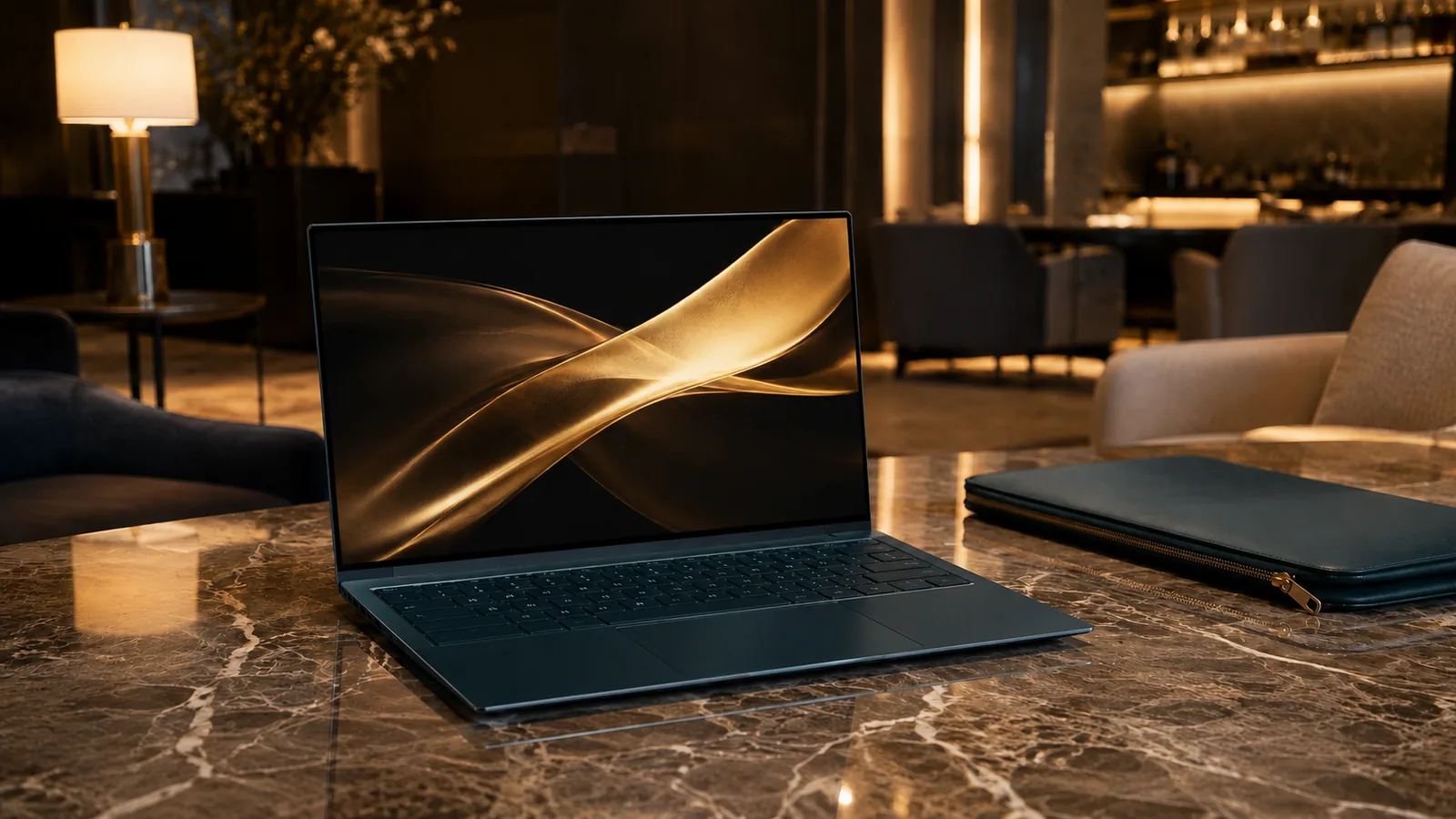
In 2025 Lenovo re‑imagined what an ultraportable laptop could look like. The Yoga Slim 9i (also called Yoga Slim 9i Gen 10) isn’t just another thin‑and‑light PC; it blends striking aesthetics with cutting‑edge hardware to challenge premium rivals like the Dell XPS 14 and MacBook Air M4. The 14‑inch machine features a 4K PureSight Pro OLED display with 120 Hz refresh, Intel’s Core Ultra 7 (Lunar Lake) processor, a glass top lid in Tidal Teal and a world‑first 32 MP under‑display webcam. This combination promises style and substance, but does it deliver?
This comprehensive review evaluates the Yoga Slim 9i’s design, screen, performance, battery life and daily usability. We draw on lab tests, benchmarks and real‑world use by trusted reviewers across Tom’s Hardware, XDA Developers, Windows Central, PCWorld and The Shortcut, along with our own hands‑on experience. By the end, you’ll know whether Lenovo’s luxury laptop is worth its premium price and how it compares to alternatives.
Design & Build Quality
Glass‑Covered Tidal Teal Lid
Lenovo’s design team turned heads at CES 2025 when it showed the Yoga Slim 9i. The lid is covered in a sheet of impact‑resistant glass with a subtle 3D swirling pattern. Reviewers at The Shortcut described it as “glossy, curvy, covered in glass” and noted that it looks unlike any other laptop. The body uses aluminum for structural strength, but the glass lid gives it a shimmering effect that reflects light. FrediTech editor Otabek Djuraev was initially concerned about durability but found the glass rated to 9H hardness—similar to a high‑grade screen protector—so it resisted scratcheshostbor.com.
The color choice, Tidal Teal, differentiates the Slim 9i from the sea of silver laptops. PCWorld praised the finish and noted that the lid’s reflections and swirling effect make it eye‑catching but also very glossy and prone to fingerprintspcworld.com. If you prefer stealthy designs, the constant shine might annoy you.
Portability and Build Dimensions
Ports & Connectivity
Lenovo prioritises minimalist aesthetics, so port selection is sparse. The Slim 9i includes two Thunderbolt 4 (USB‑C) ports, one on each side, and that’s it—no USB‑A, HDMI or full‑size SD card. You’ll need a hub for older accessories. There’s also no headphone jack, so wireless headphones or a USB‑C adapter are necessary. On the wireless front the laptop offers Wi‑Fi 7 and Bluetooth 5.4, giving it next‑generation connectivity. An E‑Privacy shutter switch disables the webcam for privacy.
Keyboard, Touchpad & Biometric Sensor
Under‑Display Webcam: Innovation vs. Quality
The Slim 9i debuts under‑display camera technology—a 32 MP sensor hidden beneath the OLED panel. While it helps achieve a 98 % screen‑to‑body ratio and keeps bezels slim, it compromises image quality. The Shortcut described the camera as “terrible” and said it fails to maintain detail, clarity and color. PCWorld found the webcam annoying to use, and Windows Central echoed that images lack sharpness. If you often join video calls, consider using an external webcam.
Display: PureSight Pro OLED Brilliance
Specifications and Color Modes
At the heart of the Slim 9i lies a 14‑inch OLED display with 3840 × 2400 resolution (4K+), 16:10 aspect ratio and 120 Hz refresh rate. The panel covers 100 % of the DCI‑P3 color space and supports HDR (Dolby Vision). Tom’s Hardware noted that Lenovo includes software to switch between sRGB, Adobe RGB and DCI‑P3 modes for color‑critical worktomshardware.com.
Brightness & Reflectivity
Real‑World Viewing Experience
During streaming and photo editing the OLED panel shines. Colors are vibrant and blacks are deep, delivering an immersive experience similar to high‑end smartphones. Text appears crisp thanks to the high pixel density. Rounded display corners cut off a few pixels in the status bar, as Tom’s Hardware observed, but the effect is minor.
Performance: Lunar Lake Brings AI & Efficiency
CPU & Graphics Specs
The Yoga Slim 9i uses Intel’s Core Ultra 7 258V or 256V processor (Lunar Lake architecture) with integrated Intel Arc Graphics 140V. The chips include a dedicated neural processing unit (NPU) for AI workloads. Up to 32 GB of LPDDR5X‑8533 RAM is soldered to the CPU package. Storage comes from a 1 TB PCIe 4.0 SSD, delivering fast load times. This configuration competes with Apple’s M4 MacBook Air and high‑end Windows ultrabooks.
Benchmarks & Comparative Performance
Real‑World Use & Thermal Behavior
Battery Life & Charging
Rated Capacity & Test Results
A 75 Watt‑hour battery powers the Slim 9i. Battery life is a critical factor for students and road warriors, so we compared results across reviewers:
- XDA saw eight hours nine minutes on a Balanced profile at 60 Hz but only four to five hours at 120 Hzxda-developers.com.
Charging & Power Settings
The Slim 9i ships with a 65 W USB‑C charger, and charging from zero to full takes roughly two hours. Lenovo includes settings to limit the maximum charge to 60 % or 80 % to prolong battery health. XDA recommended switching to battery saver mode and keeping the display at 60 Hz when away from an outlet. Users should also consider disabling the always‑running dynamic wallpaper and reducing keyboard backlight brightness.
Audio & Speakers
Audio quality is surprisingly good. The Slim 9i features quad speakers—two tweeters and two woofers—tuned with Dolby Atmos. Windows Central praised the speakers for providing full sound and deep bass. The Shortcut was similarly impressed, noting that the speakers deliver surprisingly good audio. If you watch movies or listen to music frequently, this laptop won’t disappoint.
Step‑by‑Step Setup & Usage Guide
1. Unboxing and Initial Setup
- Inspect the contents: The box includes the Slim 9i, a 65 W USB‑C adapter and a quick‑start guide. Remove protective film and check for any physical damage.
- Charge first: Before powering up, plug in the charger to prime the battery. A full charge ensures you can apply updates without interruption.
- Power on and complete Windows 11 setup: Follow the on‑screen prompts to choose region, keyboard layout and network. Sign in with a Microsoft account and enable Windows Hello for fingerprint or facial recognition.
- Update drivers and BIOS: Open Lenovo Vantage to check for firmware updates. Many reviewers noted preinstalled bloatware; uninstall software you don’t need via Settings > Apps.
2. Optimising Display & Battery
- Select a color profile: Use the Lenovo Display Manager to switch between sRGB (for web work), Adobe RGB (photo editing) or DCI‑P3 (video). Calibrate brightness around 150–200 nits for balanced color and battery life.
- Set refresh rate: Navigate to Settings > System > Display > Advanced Display to select 60 Hz or 120 Hz. Choose 60 Hz for longer battery life and 120 Hz for smoother motion.
- Enable Battery Saver: Under Settings > System > Power & Battery, turn on Battery Saver and set a charge threshold of 80 % to preserve battery health.
3. Productivity & Entertainment Workflows
- Web browsing and office tasks: With 32 GB RAM and a fast SSD, dozens of browser tabs, Teams calls and Word documents run without lag. Use the 120 Hz mode for responsive scrolling when reading long articles.
- Photo editing: The 4K OLED panel and 100 % DCI‑P3 coverage make the Slim 9i ideal for Lightroom and Photoshop. Export times are reasonable thanks to the fast CPU, though heavy batch editing will tax the integrated graphics.
- Video streaming: Stream 4K HDR content on Netflix or YouTube to enjoy the vibrant OLED display. Hostbor noted that during continuous playback the laptop used only about 37 % battery after 4.5 hours.
- AI tasks & Copilot+ features: Windows 11 leverages the NPU to accelerate AI features such as Windows Studio Effects (e.g., background blur) and Copilot suggestions. While not as powerful as dedicated GPUs, it helps with on‑device machine learning workloads.
4. Travel & Connectivity Tips
- Bring a USB‑C hub: Because the Slim 9i lacks USB‑A and HDMI, a compact hub with USB‑A, HDMI and Ethernet ports is essential for business trips.
- Use wireless headphones: Without a headphone jack, Bluetooth earbuds are a must. Wi‑Fi 7 ensures stable connectivity at airports and cafes.
- Carry a microfiber cloth: The glass lid and glossy display attract fingerprints; wipe them regularly to maintain the premium look.
Real‑World Case Studies
Student Productivity
Akosua, an engineering student in Accra, uses the Slim 9i for lecture notes, coding assignments and light CAD. She appreciates the lightweight build when commuting between campus and home and the long battery life that lasts through afternoon labs. However, she uses an external webcam for online meetings due to the under‑display camera’s poor quality. For heavy 3D modeling she relies on the campus lab workstations.
Creative Professional
Kwame, a freelance photographer, chose the Slim 9i because of its color‑accurate OLED display. He calibrates the screen to Adobe RGB and edits photos in Adobe Lightroom. Export times are reasonable, but when working on video projects he notices the integrated graphics bottleneck and occasionally borrows his partner’s workstation. On shoots he appreciates the Wi‑Fi 7 for quick file transfers and the privacy shutter to disable the camera during events.
Business Executive
Ama, a marketing executive, values the laptop’s premium design during client meetings. The glass lid draws compliments, and the quad speakers make presentations clear. She uses the 120 Hz refresh for smooth PowerPoint transitions but switches to 60 Hz when flying to extend battery life. A portable USB‑C hub stays in her bag for connecting to projectors and USB drives.
Pros & Cons
Aspect | Pros | Cons |
Design | Striking glass lid and Tidal Teal color; sturdy aluminum chassis | Glossy finish attracts fingerprints; weight (2.76 lb) is slightly heavy |
Display | 4K+ OLED with 120 Hz refresh; 100 % DCI‑P3; bright at ~750 nits | No variable refresh rate; reflective glass surface |
Performance | Intel Core Ultra 7 with NPU; fast SSD; 32 GB RAM | Integrated graphics struggle with heavy video editing or gaming |
Battery life | 75 Wh battery provides 7–11 hours depending on settings | Battery drops to 4–5 hours at 120 Hz; slower than some competitors |
Webcam & ports | Innovative under‑display camera with privacy shutter; Wi‑Fi 7 and Bluetooth 5.4 | Poor image quality; only two Thunderbolt 4 ports; no headphone jack |
Keyboard & trackpad | Comfortable keys with 1.5 mm travel; smooth trackpad | Trackpad is small; fingerprint sensor placement is awkward and inaccurate |
Speakers | Quad speakers deliver rich sound | None significant |
Comparison to Competitors
vs. Dell XPS 14 (2025)
Dell’s XPS 14 features a similar 14.5‑inch OLED display and Intel Core Ultra processors, but it lacks the under‑display camera and offers a more traditional aluminum design. The XPS has better battery life (up to 17 hours in some tests) but fewer AI features. It provides an SD card slot and a headphone jack. If battery life and port variety matter more than aesthetics, the XPS may suit you better.
vs. HP OmniBook 5 14‑inch
FrediTech reviewed the HP OmniBook 5 with an OLED screen and Copilot+ features. It offers a Snapdragon X Elite processor and boasts an impressive 25‑hour battery lifefreditech.com—far longer than the Slim 9i. However, the OmniBook 5 uses an ARM chip that might not run all Windows x86 applications. For battery longevity and always‑connected performance, check out our HP OmniBook 5 14‑inch review.
vs. Apple MacBook Air M4 (2025)
Apple’s MacBook Air with M4 chip is lighter (~2.7 lb), offers similar battery life (around 18 hours), and has a 15‑inch Liquid Retina display with variable refresh rate. It excels at video editing due to hardware‑accelerated ProRes engines. However, it lacks touchscreen support and uses macOS. Choose the MacBook Air if you need the longest battery life and work within Apple’s ecosystem.
Frequently Asked Questions (FAQ)
What are the full specifications of the Lenovo Yoga Slim 9i?
The laptop features an Intel Core Ultra 7 256V or 258V processor, integrated Intel Arc 140V graphics, up to 32 GB LPDDR5X-8533 RAM, and a 1 TB PCIe 4.0 SSD. The 14-inch OLED display has 3840 × 2400 resolution, 120 Hz refresh rate, and 100% DCI-P3 coverage. Connectivity includes Wi-Fi 7, Bluetooth 5.4, and two Thunderbolt 4 ports. It weighs 2.76 lb and houses a 75 Wh battery.
How long does the battery last?
Battery life depends on usage and refresh rate. Mixed workload tests saw about 11 hours 3 minutes. Balanced profiles at 60 Hz yield 8 hours or more, while running the display at 120 Hz can reduce battery life to around 4–5 hours. Real-world usage with video playback or office work typically falls between 6 and 8 hours.
Can I upgrade the RAM or storage?
No. The RAM is soldered to the motherboard and integrated into the CPU/NPU package. The 1 TB SSD is also difficult to replace because the chassis isn’t designed for easy upgrades. Consider your memory and storage needs before purchasing.
Is the under-display webcam usable for video calls?
The 32 MP under-display camera is innovative, but reviewers describe the image quality as poor. For important or professional calls, using an external webcam is recommended.
Does the Yoga Slim 9i support AI features like Copilot+?
Yes. The Intel NPU accelerates on-device AI tasks in Windows 11 (for example, Studio Effects like background blur and eye contact correction) and Copilot suggestions. It can also support features like Windows Recall (if Microsoft enables it) and meeting transcription. Performance may lag behind dedicated AI PCs (such as Snapdragon X Elite systems), but it’s adequate for everyday AI workflows.
How does the Yoga Slim 9i compare to the Yoga 9i 2-in-1?
The Yoga 9i 2-in-1 is a convertible with a 360° hinge and typically includes more ports (like USB-A and a headphone jack). It also tends to deliver longer battery life (around 15 hours in some testing) and a sharper webcam. However, it uses a lower-resolution 2.8K display and lacks the glass-lid styling. Choose the Yoga 9i 2-in-1 if you want tablet mode and longer battery life; choose the Slim 9i if you prioritise premium design and a 4K-class OLED panel.
Is the Yoga Slim 9i worth buying in 2026?
If you value premium design, a stunning OLED screen, good day-to-day performance, and modern AI features, the Yoga Slim 9i is an appealing choice. However, consider the trade-offs: shorter battery life than some rivals, a mediocre webcam, limited ports, and a high starting price (around $1,760). If you need longer endurance or more practical value, alternatives like the HP OmniBook 5, Dell XPS 14, or MacBook Air M4 may suit you better.
Conclusion: Luxury Comes with Trade‑offs
The Lenovo Yoga Slim 9i exemplifies how laptops can be functional art. Its glass‑covered Tidal Teal lid, 4K OLED display and Lunar Lake processor make it one of the most striking ultrabooks of 2025/2026. Quad speakers, Wi‑Fi 7 and AI‑accelerated features add to its appeal. Yet, luxury comes with compromises: the under‑display webcam disappoints, port selection is minimal, and battery life is average at best when the display runs at 120 Hz.
For users who prioritise aesthetics, display quality and premium build, the Yoga Slim 9i stands out. If you need longer battery life, more ports or upgradeable components, consider other machines like the HP OmniBook 5 or Dell XPS 14. Ultimately, Lenovo’s Slim 9i is a testament to how far laptop design has evolved—it demonstrates that our devices can be both technology and jewellery, albeit at a price.
Bottom Line
A laptop is a good buy when its exact configuration fits your workload, portability needs and budget. Compare the reviewed hardware with current alternatives and discounts, then prioritize the display, battery, ports and support you will use every day.