
Introduction
Smart homes are no longer niche products for tech enthusiasts. In 2025–2026 the global smart‑home market is exploding; Fortune Business Insights estimates the market value rose to US$121.6 billion in 2024 and is projected to reach US$147.5 billion in 2025iotbreakthrough.com, with some analysts forecasting US$1.4 trillion by 2034iotbreakthrough.com. Consumer adoption is equally strong. In the United States 63 % of households owned at least one smart‑home device in 2025sqmagazine.co.uk and 44 % of homeowners under 35 used multiple smart devices daily. Devices such as smart speakers, thermostats, robot vacuums and connected lighting are making life more convenient, efficient and secure.
Android is a major driver of this connected‑home revolution. Google’s ecosystem, including Android smartphones, the Google Home app and emerging standards like Matter, provides deep integration across brands. Whether you’re starting with a single smart bulb or planning a fully automated home, understanding how Android works with smart devices will help you design a system that’s reliable, secure and future‑proof.

{getToc} $title={Table of Contents} $count={Boolean} $expanded={Boolean}
Why Integrate Your Smart Home with Android?
Convenience and Centralized Control
One of Android’s biggest advantages is unified control through the Google Home app. Google’s official support page notes that you can set up Matter‑enabled devices directly through the Home app, then manage them from one place whether you’re at home or awaysupport.google.com. A recent Google Home update improved device controls, with cleaner visuals and quicker access to lights, plugs and switchesandroidcentral.com. The same update added local Matter control, delivering up to twice as fast responses and better reliability when the internet connection is unstable.
With Android, you can also access quick controls from the system interface. Alarm.com’s knowledge base explains how to enable Quick Access Device Controls in Android 11 or later, allowing you to toggle scenes, lights, locks and thermostats from the Quick Settings panelanswers.alarm.com. On devices running Android 13 and later, non‑secure actions such as lights and thermostats can even be controlled without unlocking the phone.
Interoperability Through Matter
Smart homes have historically been plagued by incompatible ecosystems. The Matter standard, developed by the Connectivity Standards Alliance (CSA) with support from Google, Apple, Amazon and others, aims to solve this. A mid‑autumn 2025 update to Matter (version 1.5) added support for live camera feeds, pan‑tilt‑zoom controls and “closures” such as awnings and garage doorsandroidcentral.com. The update also advanced energy management capabilities by allowing devices to exchange standardized information about energy pricing, tariffs and grid carbon intensityandroidcentral.com. Earlier versions introduced support for water heaters, heat pumps and electric‑vehicle chargingandroidcentral.com. Android’s integration with Matter means you can mix brands—Philips Hue lights, Ecobee thermostats, Yale locks—and control them all via the Google Home app or Android’s Quick Settings.
Growing Ecosystem of Devices
Smart homes encompass more than speakers and lights. According to SQ Magazine’s 2025 statistics:
- Smart speakers are the most common device, with 72 million U.S. households owning at least one.
- Smart TVs appear in 71 % of connected homes, often bundled with voice assistants.
- Smart thermostats are installed in 28 % of homes, helping reduce heating and cooling costs.
- Robot vacuums are owned by 25 % of households, particularly pet owners.
- Smart plugs/outlets have a 31 % adoption rate due to ease of use and energy tracking.
- Smart locks secure 22 % of homes, offering keyless entrysqmagazine.co.uk.
Android’s open ecosystem allows thousands of devices to “work with Google Home.” The Google Home web page highlights categories including entertainment (smart TVs and speakers), climate and energy (thermostats, fans, air conditioners), lighting and plugs, security (doorbells, cameras, locks) and applianceshome.google.com.
Energy Efficiency and Sustainability
Smart devices can help reduce energy consumption. FrediTech’s Maximize Smart Home Efficiency guide notes that smart homes can be up to 26 % more energy‑efficient than conventional homesfreditech.com. Installing a smart thermostat can save 10–15 % on heating and cooling costsfreditech.com, while switching to LED bulbs cuts lighting energy use by around 75 %freditech.com. Smart plugs eliminate “phantom loads” by turning off idle devicesfreditech.com. For electric‑vehicle owners, smart EV chargers schedule charging during off‑peak hours, potentially saving £330 per yearfreditech.com.
Market Momentum and Investment Value
The smart‑home market’s growth underscores the importance of a future‑proof platform. Precedence Research reports that the global smart‑home market is expected to jump from US$162.27 billion in 2025 to roughly US$1.4 trillion by 2034, a compound annual growth rate (CAGR) of 27 %precedenceresearch.com. The U.S. market alone could grow from US$36.38 billion in 2024 to more than US$403 billion by 2034. Meanwhile, IoT Analytics predicts the number of connected IoT devices will reach 39 billion by 2030, up from 21.1 billion in 2025, reflecting a CAGR of 13.2 %iot-analytics.com. These trends indicate that investing in interoperable devices and open standards (like Matter) is a wise long‑term strategy.
/* Scoped styles under #ad-wrapper to avoid global impact */ #ad-wrapper { max-width: 100%; margin: 20px auto; box-shadow: 0 2px 6px rgba(0,0,0,0.1); border-radius: 4px; overflow: hidden; font-family: Arial, sans-serif; } #ad-wrapper .ad-grid { display: flex; flex-wrap: wrap; gap: 5px; justify-content: space-between; padding: 10px; background: #fff; border: 1px solid #ddd; border-bottom: none; } #ad-wrapper .ad-grid a { flex: 1 0 18%; /* 5 per row */ max-width: 18%; text-align: center; } #ad-wrapper .ad-grid img { width: 100%; height: auto; display: block; border-radius: 4px; transition: transform 0.2s ease; } #ad-wrapper .ad-grid a:hover img { transform: scale(1.05); } #ad-wrapper .ad-footer { display: flex; align-items: center; padding: 8px 12px; background: #f9f9f9; border-top: 1px solid #ddd; } #ad-wrapper .ad-footer img { height: 14px; margin-right: 8px; display: block; } #ad-wrapper .ad-footer span { font-size: 13px; color: #555; line-height: 1; } /* Responsive breakpoints */ @media (max-width: 900px) { /* 4 per row */ #ad-wrapper .ad-grid a { flex: 1 0 30%; max-width: 30%; } } @media (max-width: 600px) { /* 2 per row, reduced size for mobile */ #ad-wrapper .ad-grid a { flex: 1 0 40%; max-width: 40%; } } @media (max-width: 400px) { /* 2 per row, reduced size for mobile */ #ad-wrapper .ad-grid a { flex: 1 0 40%; max-width: 40%; } }




 Sponsored Ad – Amazon.com
Selecting Smart‑Home Devices for Android
Your connected‑home setup should align with your priorities: comfort, security, entertainment, or energy savings. Below is an overview of popular device categories, key considerations and how Android integrates with each.
Smart Speakers and Displays
Smart speakers such as Google Nest Audio, Amazon Echo and Apple HomePod serve as voice hubs. For Android users, Google Nest devices integrate seamlessly with the Google Assistant. They allow voice control for lights, thermostats and routines. Smart displays (e.g., Nest Hub or Lenovo Smart Display) add visual feedback and can show live camera feeds, weather and calendar events.
Tip: Choose a display with a built‑in hub (like the Nest Hub Max), which can act as a Matter controller and Thread border router for improved network reliability.
Smart Thermostats
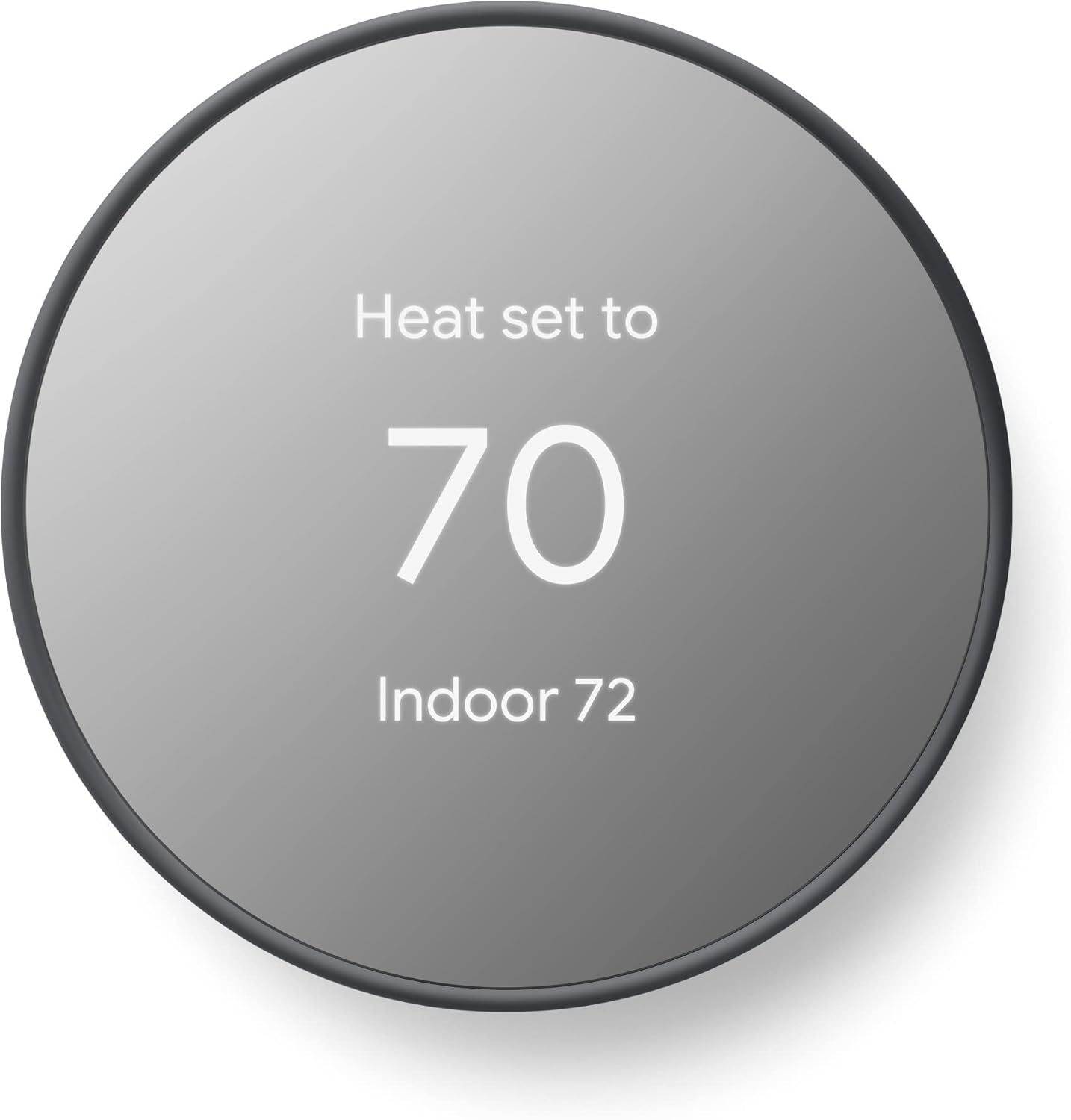
Energy‑saving thermostats such as Nest Learning Thermostat, Ecobee SmartThermostat and Honeywell Home adjust temperature automatically based on occupancy, weather and schedules. According to FrediTech, smart thermostats save about 10–15 % on heating and cooling costsfreditech.com. When integrated with Android, you can change temperature using the Google Home app, Quick Settings or voice commands (“Hey Google, set the living room to 22 °C”). Many thermostats also support Matter.
Lighting and Plugs
Smart bulbs and switches (Philips Hue, LIFX, Wiz) allow remote and scheduled control. Android’s Google Home app can group lights by room or create “Scenes.” Smart plugs, such as TP‑Link Kasa and Eve Energy, let you automate non‑smart appliances like coffee makers or fans. The Alarm.com guide notes that Quick Access Device Controls can toggle lights and plugs directly from the Android Quick Settings panelanswers.alarm.com.
Security Cameras and Doorbells
Security devices range from simple cameras to advanced doorbells with facial recognition. With Matter 1.5, live video feeds and audio streaming are now supportedandroidcentral.com. This means more cameras will work across ecosystems with a unified protocol. Android users can receive camera notifications, view live feeds on a Nest Hub or ask Google Assistant to show a camera feed on a connected Chromecast.
Smart Locks and Sensors
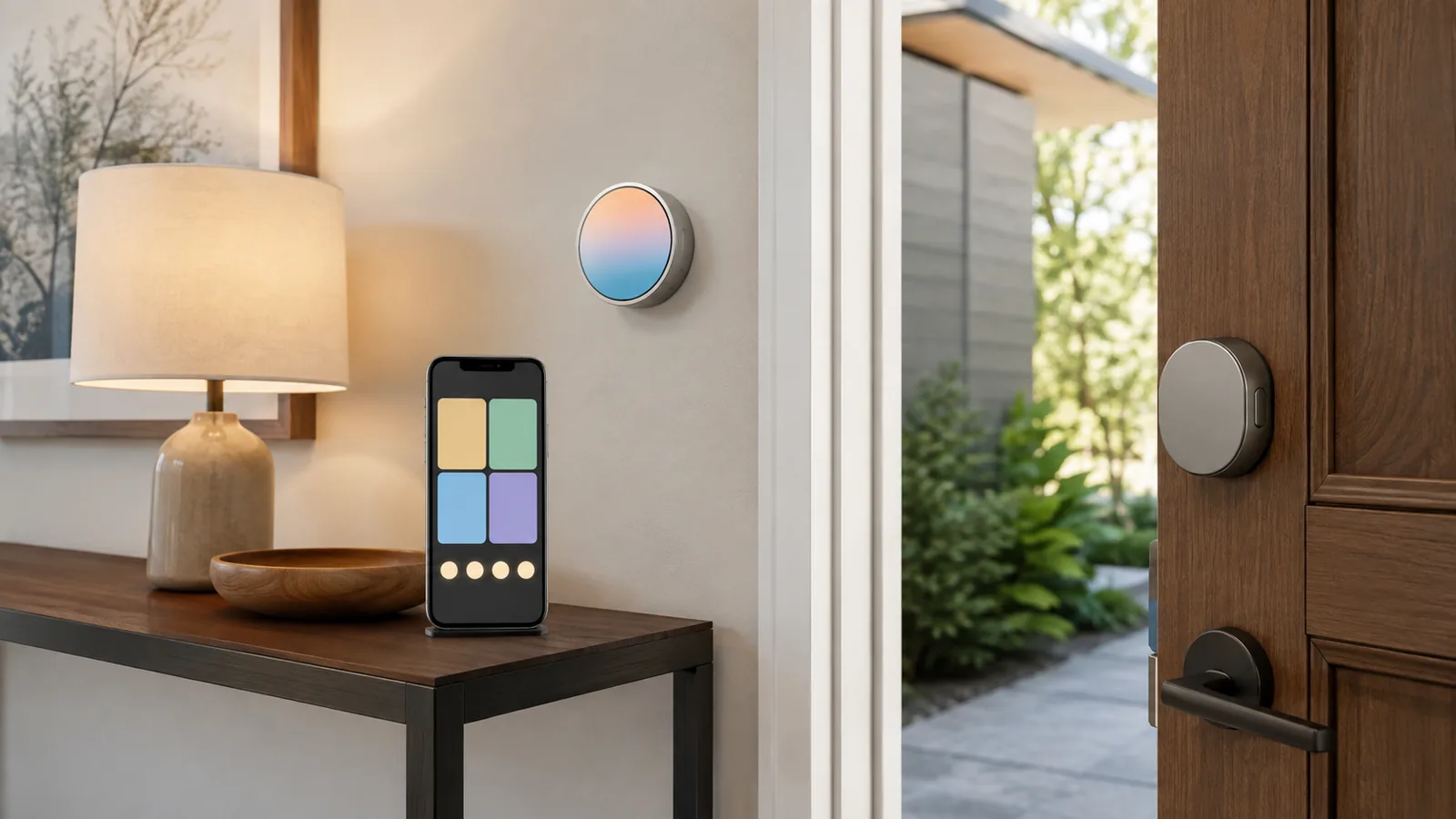
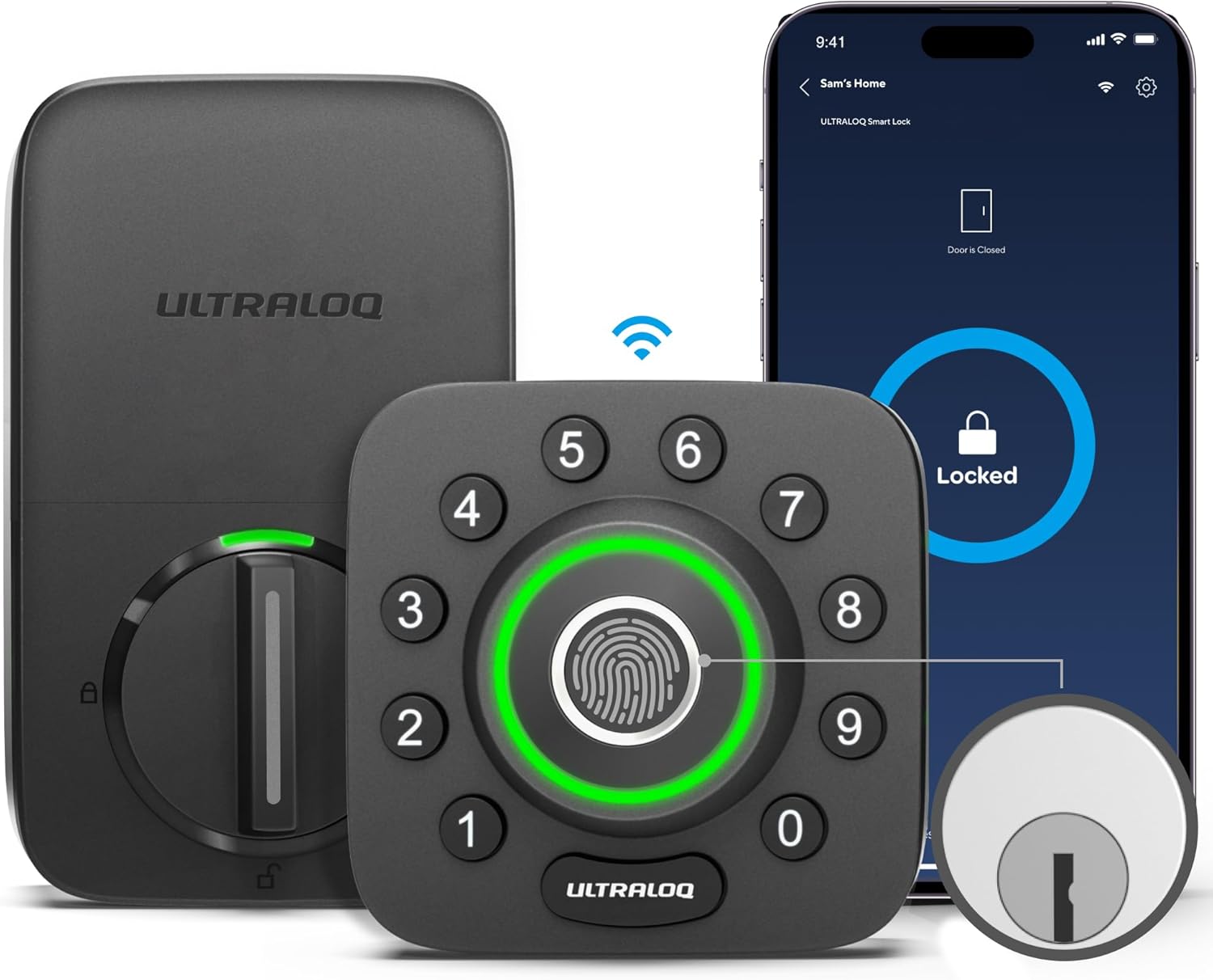
Smart locks (e.g., August, Yale, Schlage) allow keyless entry and remote access. Google Home can lock or unlock doors by voice (you’ll need to confirm with your phone or fingerprint). Door and window sensors, motion sensors and leak detectors integrate with routines; for example, turning on lights when motion is detected.
Entertainment and Media
Casting music and video is straightforward with Android. Devices that support Chromecast or Matter casting can stream content from your phone to TVs and speakers. For gaming or streaming fans, consider a Chromecast with Google TV or NVIDIA Shield to unify streaming services with voice control.
Robotics and Cleaning
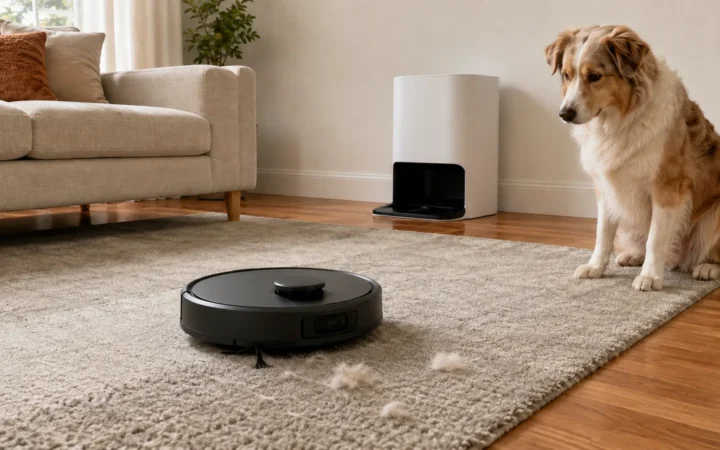
Robot vacuums (e.g., iRobot Roomba, Roborock, Eufy) are popular. The IoT Breakthrough report notes that AI‑enhanced models now avoid obstacles and pet messes and that the home‑robot market could exceed US$22 billion by 2029iotbreakthrough.com. Android integration means you can start cleaning via Google Assistant or schedule runs through the manufacturer’s app linked to Google Home.
Energy‑Management Devices
Smart plugs, energy‑monitoring strips, solar‑inverter controllers and EV chargers track consumption. The Matter 1.5 update improves energy management by exchanging standardized information about energy pricing and grid carbon intensityandroidcentral.com. Android may use this data to optimize charging schedules or suggest energy‑efficient routines.
Sponsored Ad – Amazon.comStep‑by‑Step: Setting Up Smart‑Home Devices with Android and Matter
The exact steps vary by device type, but the following process covers typical Matter‑enabled devices like lights, thermostats and plugs using the Google Home app.
1. Prepare Your Home Network and Equipment
- Ensure you have a Google Account and a reliable Wi‑Fi network.
- Verify Matter support: You need a Matter‑enabled hub (e.g., Nest Hub 2nd Gen, Samsung SmartThings, or Amazon Echo 4th Gen). Google support explains that Matter devices can also connect through a Thread border router for devices using Thread rather than Wi‑Fisupport.google.com.
- Update your devices: Check that your smartphone runs Android 8.1 or later and that you have the latest Google Home app.
2. Turn On and Pair the Device
- Power on your Matter‑enabled device and put it in pairing mode as instructed by the manufacturer.
- According to Google, when your phone detects a Matter device it shows a pop‑up notification; tap Scan QR Codesupport.google.com.
- If you don’t see the pop‑up, open the Google Home app, tap Add → Device → Scan QR Code. If there is no QR code, you can enter the device’s Matter pairing code manuallysupport.google.com.
3. Add the Device to a Room
- Confirm you want to connect the device to Google Home.
- Select a room where the device will be located.
- Give the device a name that’s easy to remember (e.g., “Living Room Lamp”). This helps with voice commands.
4. Customize Automations and Routines
- Google’s updated automation editor allows presence‑aware actions, conditions and triggersandroidcentral.com.
- For example, create a “Good Night” routine that turns off lights, locks doors and sets the thermostat to 22 °C.
- Use geo‑fencing to turn on lights when you approach home. SQ Magazine notes that 22 % of users leverage geofencing featuressqmagazine.co.uk.
5. Enable Quick Access Device Controls (Optional)
Android’s Quick Access Device Controls provide another way to interact with smart devices without opening an app.
- Open the Alarm.com (or supported app) and navigate to App Settings → Device Controls.
- Swipe down twice from the top of your screen to fully expand the Quick Settings panel; tap Device Controls.
- Tap Add app and select the smart‑home app you want to include, then choose the devices or scenes to show in Quick Settings.
- On Android 13 and later you can control non‑secure devices (lights, thermostats) from the lock screen. Use caution before enabling secure actions like locks or garage doors, as Alarm.com warns of potential vulnerabilities.
6. Troubleshoot Connectivity Issues
If setup freezes or fails, Google suggests restarting the Matter device, closing the Google Home app, clearing its cache and restarting the phone. Ensure that IPv6 is enabled on your router and that your phone’s Bluetooth is turned onsupport.google.com. If the device does not appear in Google Home after setup, you may need to share it from the manufacturer’s app.
Real‑World Examples and Use Cases
To illustrate the benefits of Android‑integrated smart homes, consider the following scenarios:
Automated Morning Routine
Every weekday at 6:30 AM your Android phone triggers a Morning routine. The system gradually brightens your bedroom lights, starts brewing coffee via a smart plug and raises the thermostat to 24 °C. A Nest Hub displays the day’s calendar and weather forecast. Since nearly 68 % of smart‑home interactions are voice‑activatedsqmagazine.co.uk, you can say “Hey Google, what’s the traffic like?” before heading out.
Energy‑Saving Thermostat Adjustment
While at work, you realize you forgot to lower the temperature. Using the Quick Settings panel, you tap the thermostat icon and set it to 20 °C without unlocking your phoneanswers.alarm.com. Over time, the smart thermostat learns your schedule and reduces heating or cooling automatically, saving 10–15 % on energy costsfreditech.com. FrediTech’s energy‑saving guide highlights that homes optimized with smart devices can be 26 % more efficientfreditech.com.
Enhanced Security and Privacy Controls
A privacy‑conscious homeowner installs a video doorbell that supports Matter 1.5. When someone rings the bell, the Google Home app shows a live video with audio supportandroidcentral.com. The camera feed appears on your Nest Hub or Android phone; you can speak to the visitor remotely. To ensure privacy, enable two‑factor authentication on your Google account and consider using local storage cameras. The IoT Breakthrough article notes that privacy concerns around unauthorized data access remain significantiotbreakthrough.com, so always keep firmware updated and review device permissions.
Building a DIY Home Theater
Using a Matter‑enabled smart TV and Philips Hue lighting, you create a cinema scene: when you say “Hey Google, movie time,” the lights dim, the curtains close (thanks to the Matter 1.5 support for closuresandroidcentral.com) and your Google TV switches to your favorite streaming app. For surround sound, pair a Nest Audio speaker group. Quick Access Device Controls allow you to adjust volume or lights during the movie without opening the appanswers.alarm.com.
Adaptive Outdoor Lighting and Watering
Smart floodlight cameras and motion sensors can deter intruders while saving energy. FrediTech’s review of a Eufy Floodlight Camera explains that it illuminates only when motion is detectedfreditech.com. Combine this with a smart irrigation system controlled through Android to water your garden at sunset; some systems even integrate with soil sensors via Matter 1.5androidcentral.com to adjust watering based on moisture levels.
Addressing Privacy and Security Concerns
Smart homes collect sensitive data about daily routines. A 2024 academic study cited in the IoT Breakthrough article found that consumers worry about unauthorized data access, especially from smart cameras, locks and doorbellsiotbreakthrough.com. To protect your smart home:
- Use strong authentication: Enable two‑factor authentication for your Google account and any manufacturer accounts.
- Keep firmware updated: Regular updates patch vulnerabilities. The Google Home app notifies you when updates are available.
- Segment your network: Place smart‑home devices on a separate Wi‑Fi network or VLAN to isolate them from personal computers.
- Limit third‑party skills: Only enable skills or integrations from trusted developers and revoke permissions for unused apps.
- Review privacy settings: Many devices allow local storage or limit cloud recording. Choose the most private option that meets your needs.
- Educate household members: Ensure everyone understands how to use the system securely and avoid sharing account passwords.
By following these steps, you can enjoy the convenience of a connected home while minimizing exposure to data misuse.
Best Practices for Designing a Future‑Proof Smart Home
- Start with a strong hub: Choose a Matter‑compliant device (e.g., Nest Hub or SmartThings Station) that acts as a central controller and Thread border router. This provides long‑term interoperability and reduces latency.
- Standardize on open protocols: Prioritize devices that support Matter, Zigbee or Z‑Wave. Avoid proprietary protocols that lock you into a single brand.
- Prioritize energy efficiency: Invest in smart thermostats, LED lighting and energy‑monitoring plugs. These not only save money but also reduce environmental impactfreditech.com. FrediTech’s energy‑saving guide offers additional tips and device recommendations; read it here.
- Plan for scalability: As the number of connected devices grows, ensure your Wi‑Fi can handle the load. Consider a mesh network for consistent coveragefreditech.com and upgrade your router if necessary.
- Think about user experience: Assign intuitive names to devices and group them logically. Use routines to automate repetitive tasks. For example, create separate scenes for Cooking, Reading or Exercise.
- Regularly audit devices: Periodically review your device list in Google Home. Remove unused devices, update firmware and refresh automations.
Frequently Asked Questions (FAQ)
Do I need a Google Nest Hub to use Android with smart devices?
What is the difference between Matter and Zigbee or Z-Wave?
Are Matter devices backward-compatible?
Can I control smart-home devices when there’s no internet?
How do I reset or remove a device from Google Home?
Is my data safe with smart-home devices?
Can multiple family members control the smart home?
How does Android integrate with wearable devices?
Conclusion
Smart‑home integration has matured from gimmicky gadgets to a robust ecosystem that makes life safer, more comfortable and more efficient. Android plays a central role by providing unified control, voice assistance and broad compatibility through open standards like Matter. With market growth accelerating—projected to surpass US$1.4 trillion by 2034—and device diversity expanding, investing in a well‑planned smart home makes sense for both convenience and home value.
By following the steps outlined in this guide—preparing your network, adding devices via the Google Home app, creating automations and maintaining security—you can build a future‑proof smart home tailored to your lifestyle. For deeper dives into specific areas like energy efficiency, check out FrediTech’s Maximize Smart Home Efficiency guide. As technology evolves, keep an eye on updates such as Matter 1.5, which adds camera support and advanced energy management, and Google’s continuous improvements to the Home app. A thoughtfully integrated smart home isn’t just about gadgets—it’s about creating a sustainable, secure and harmonious living environment.
Sponsored Ad – Amazon.com